 Image 1 of 3
 Image 2 of 3
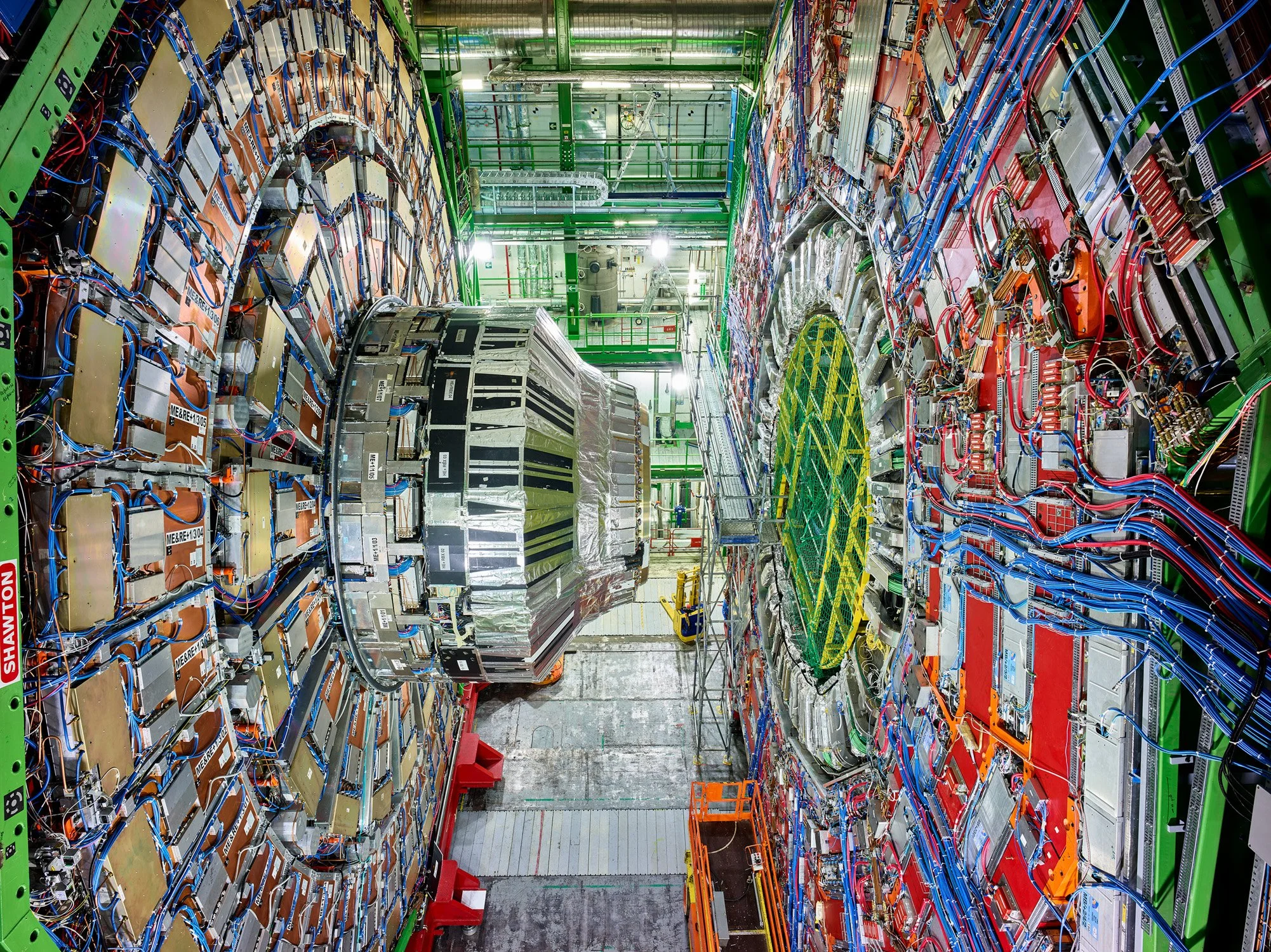 Image 3 of 3
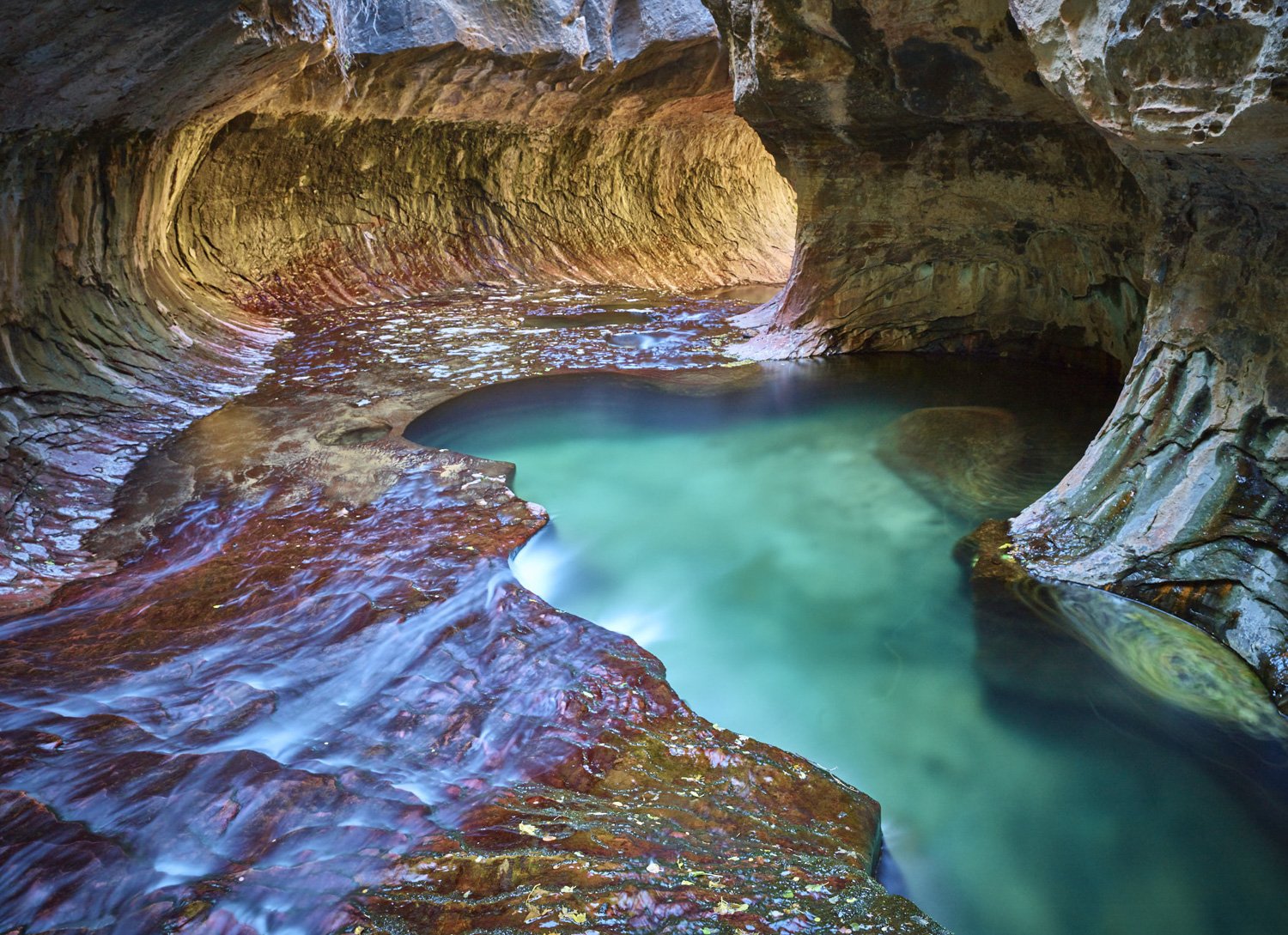
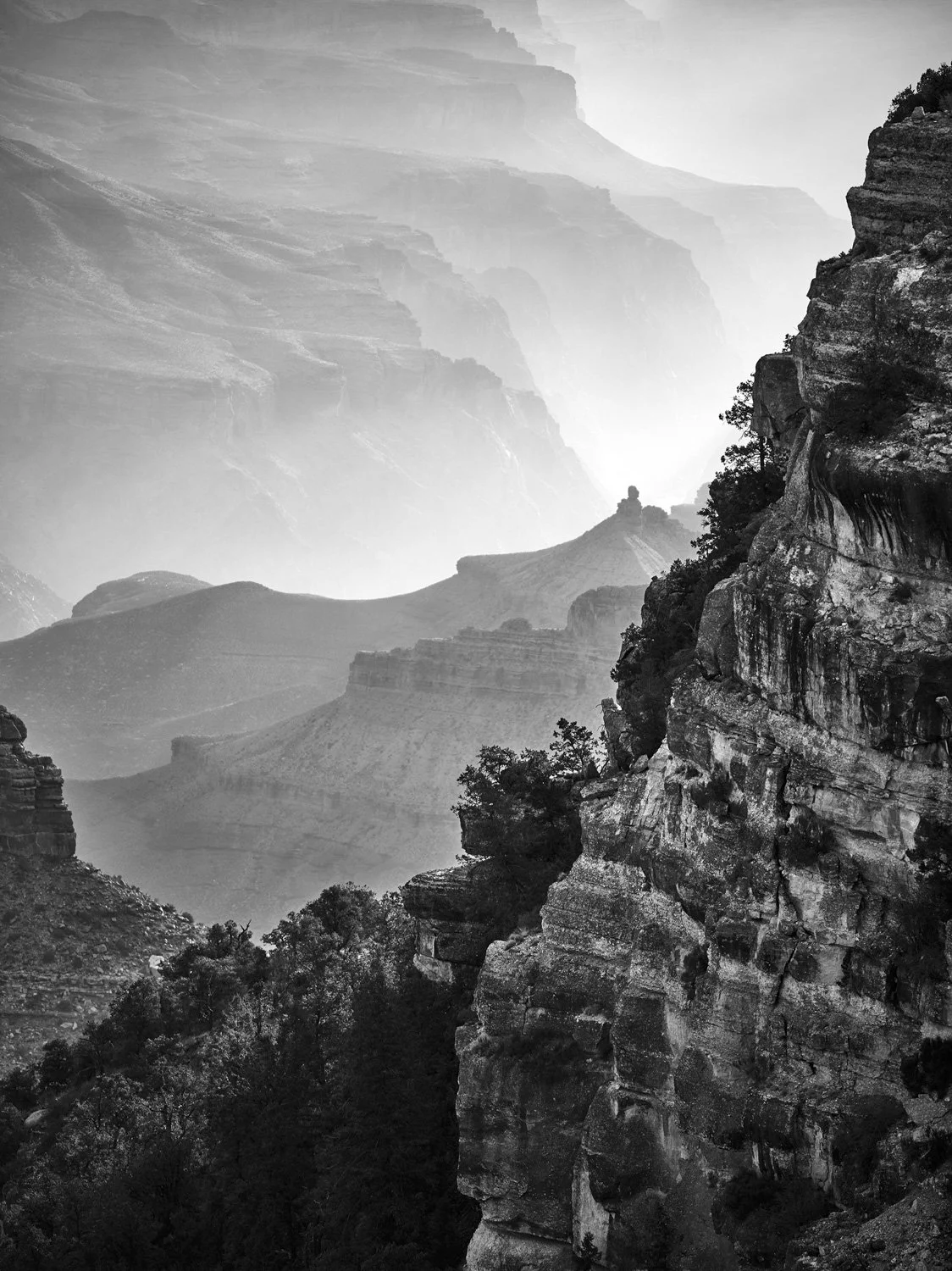
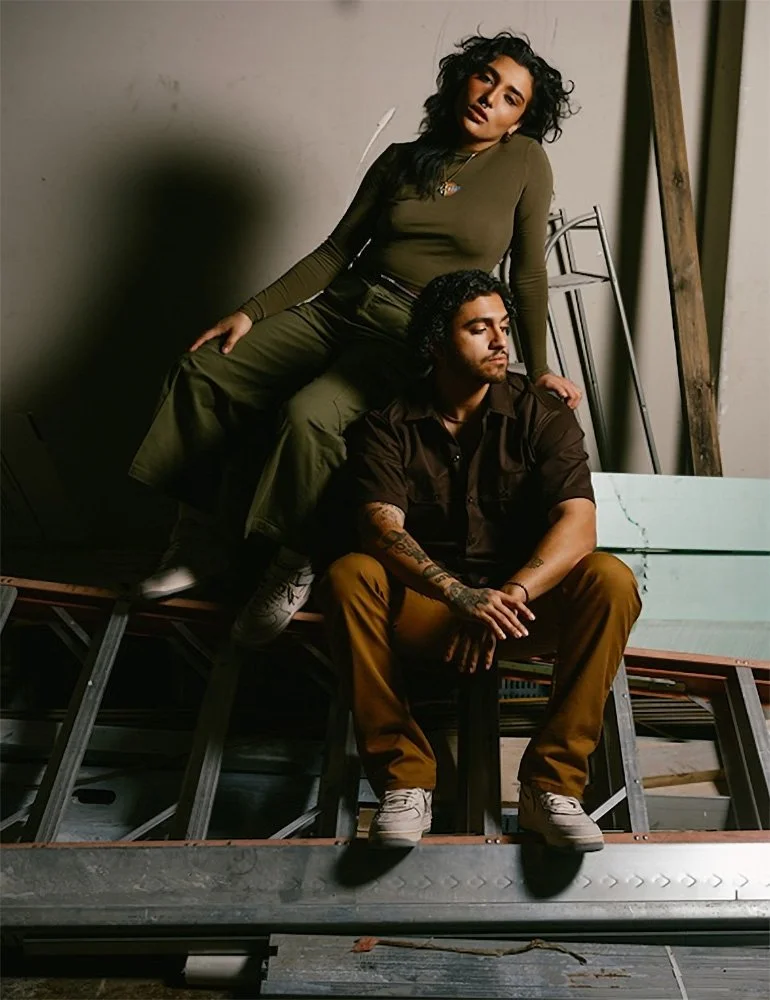
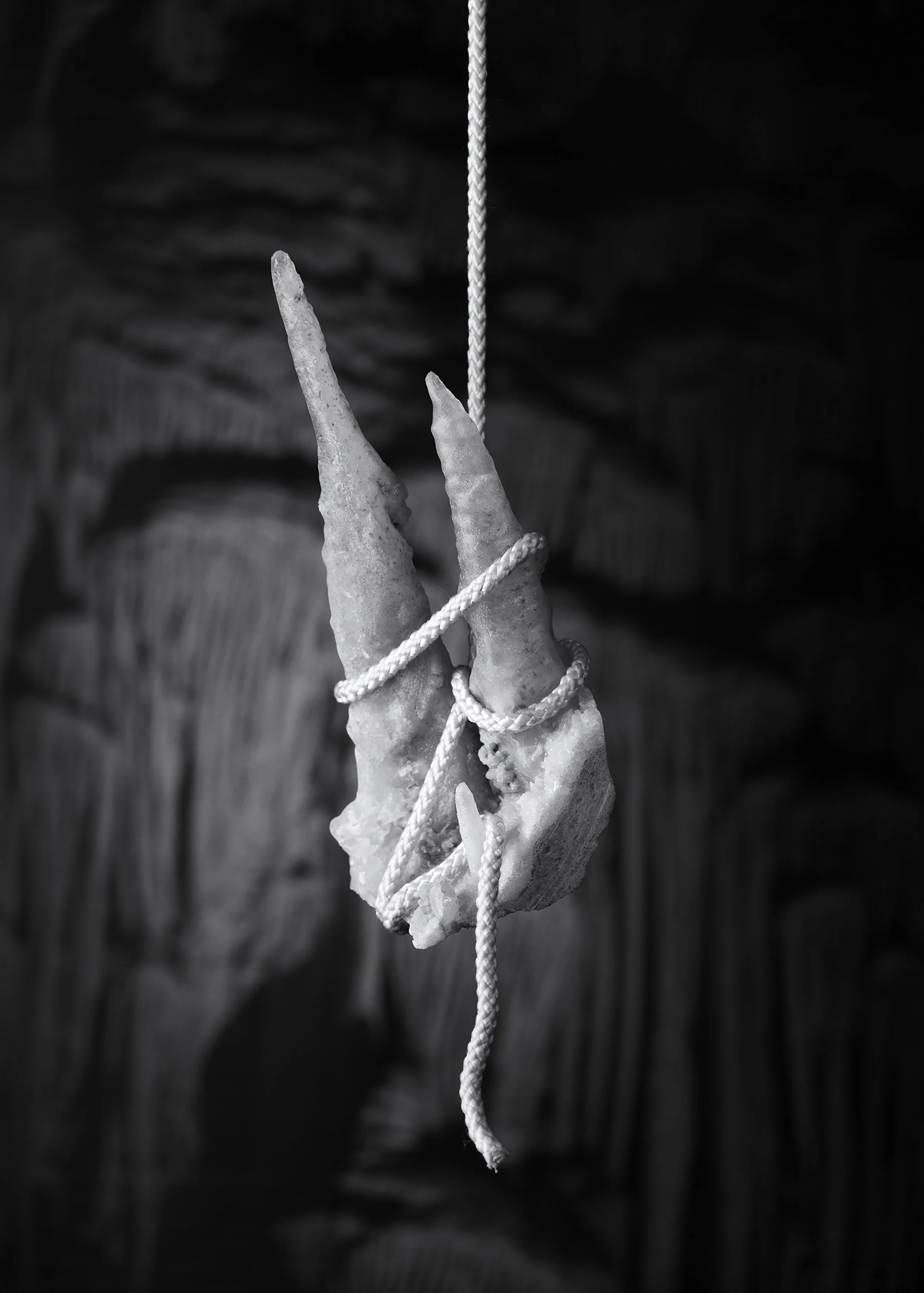
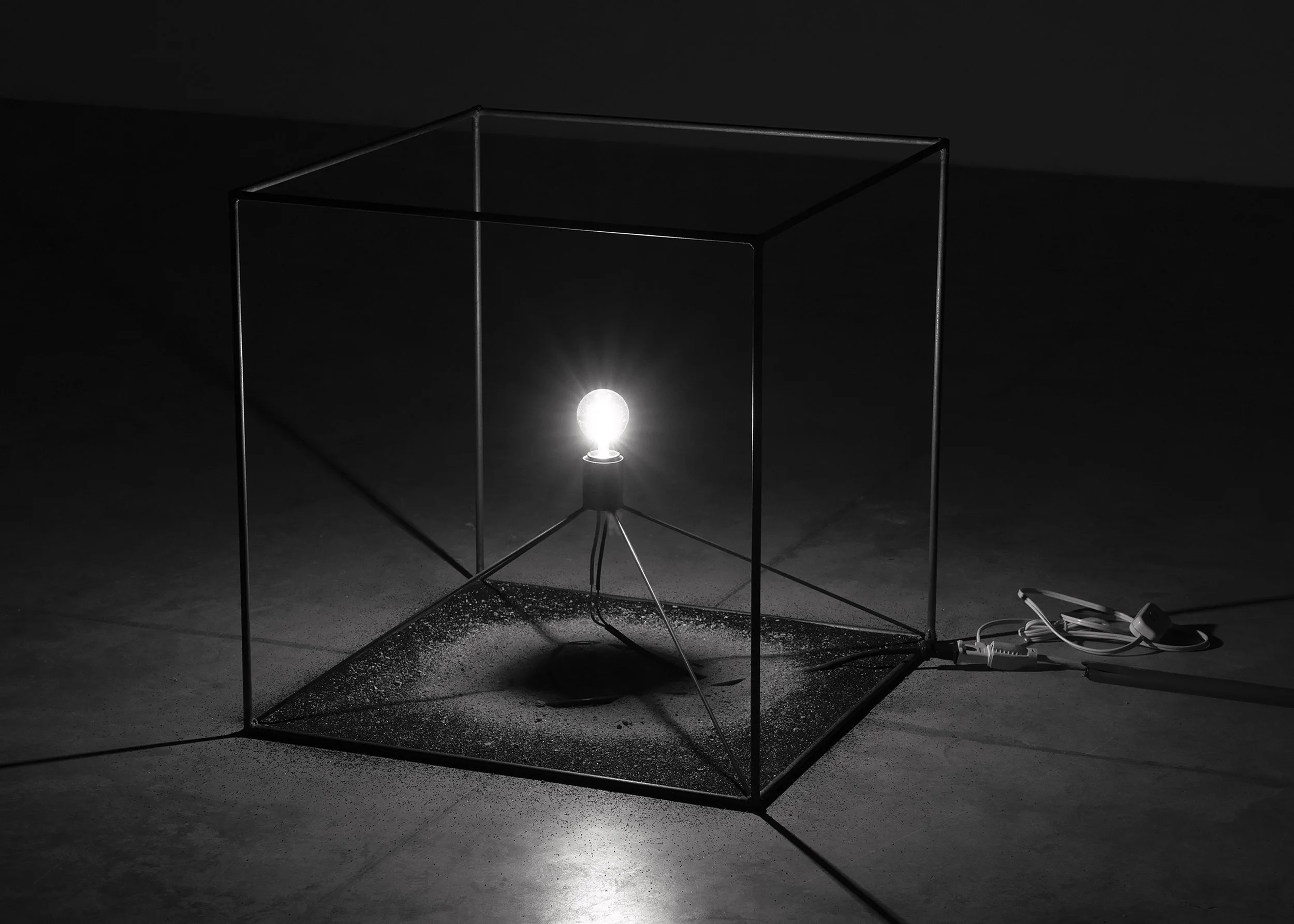
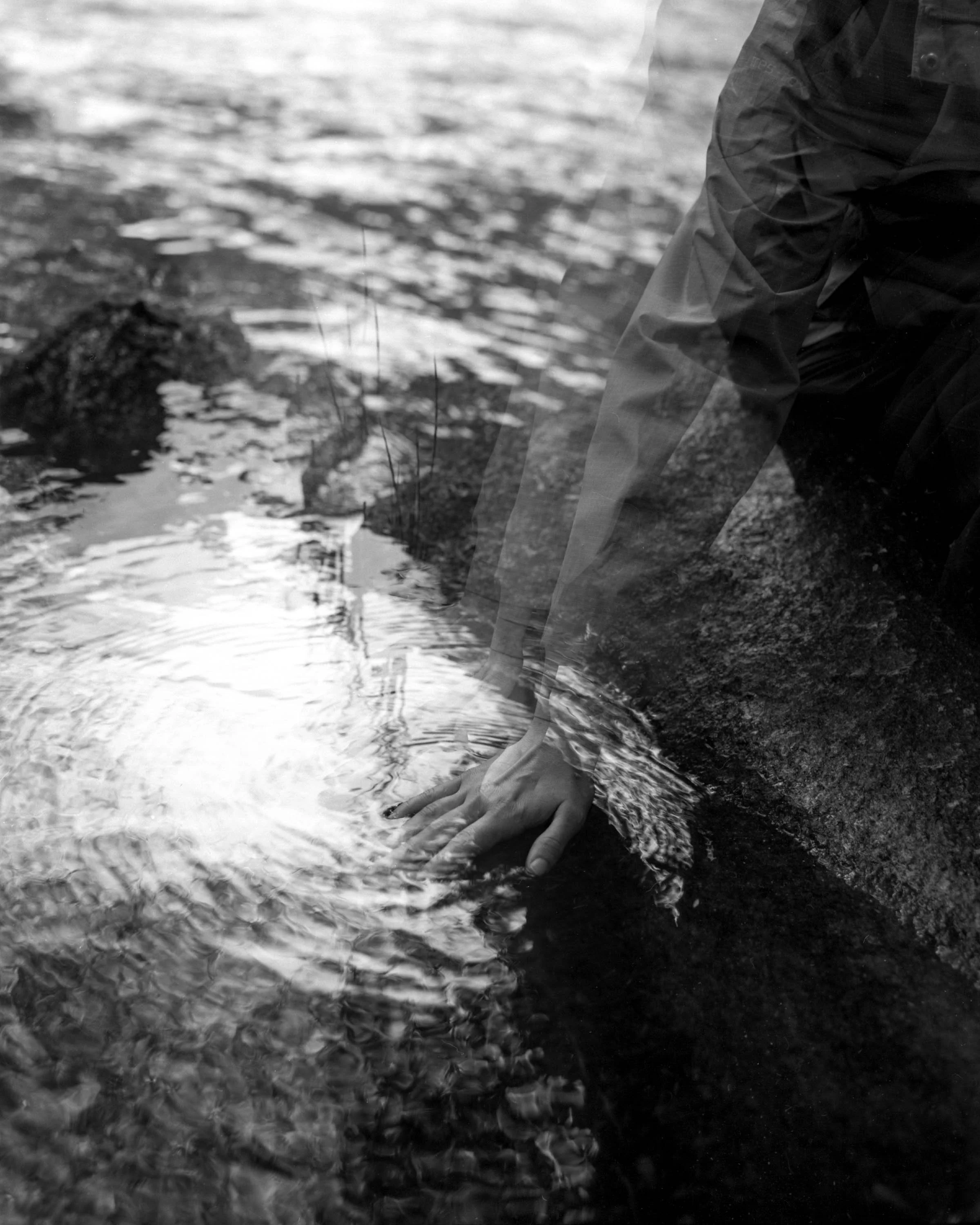
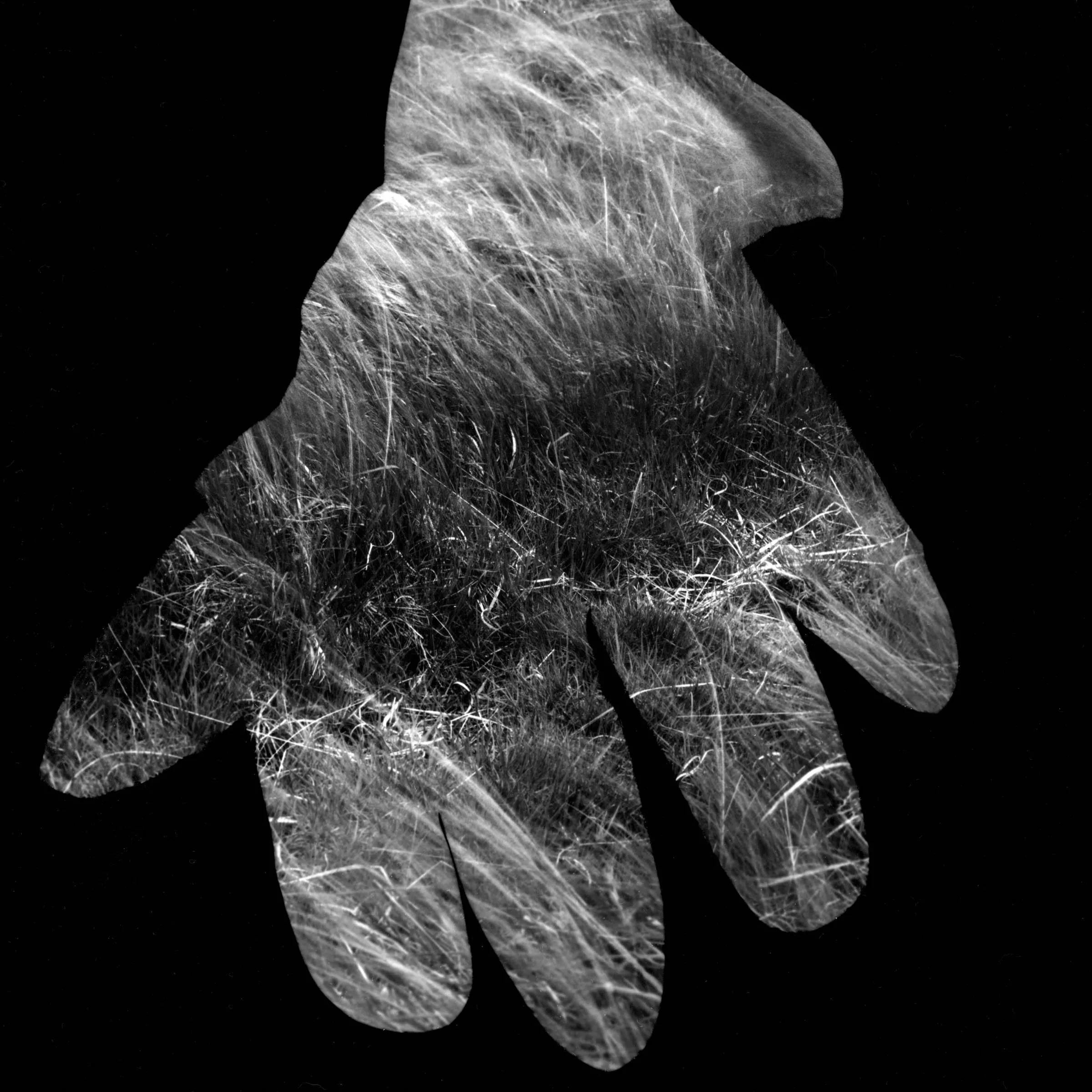
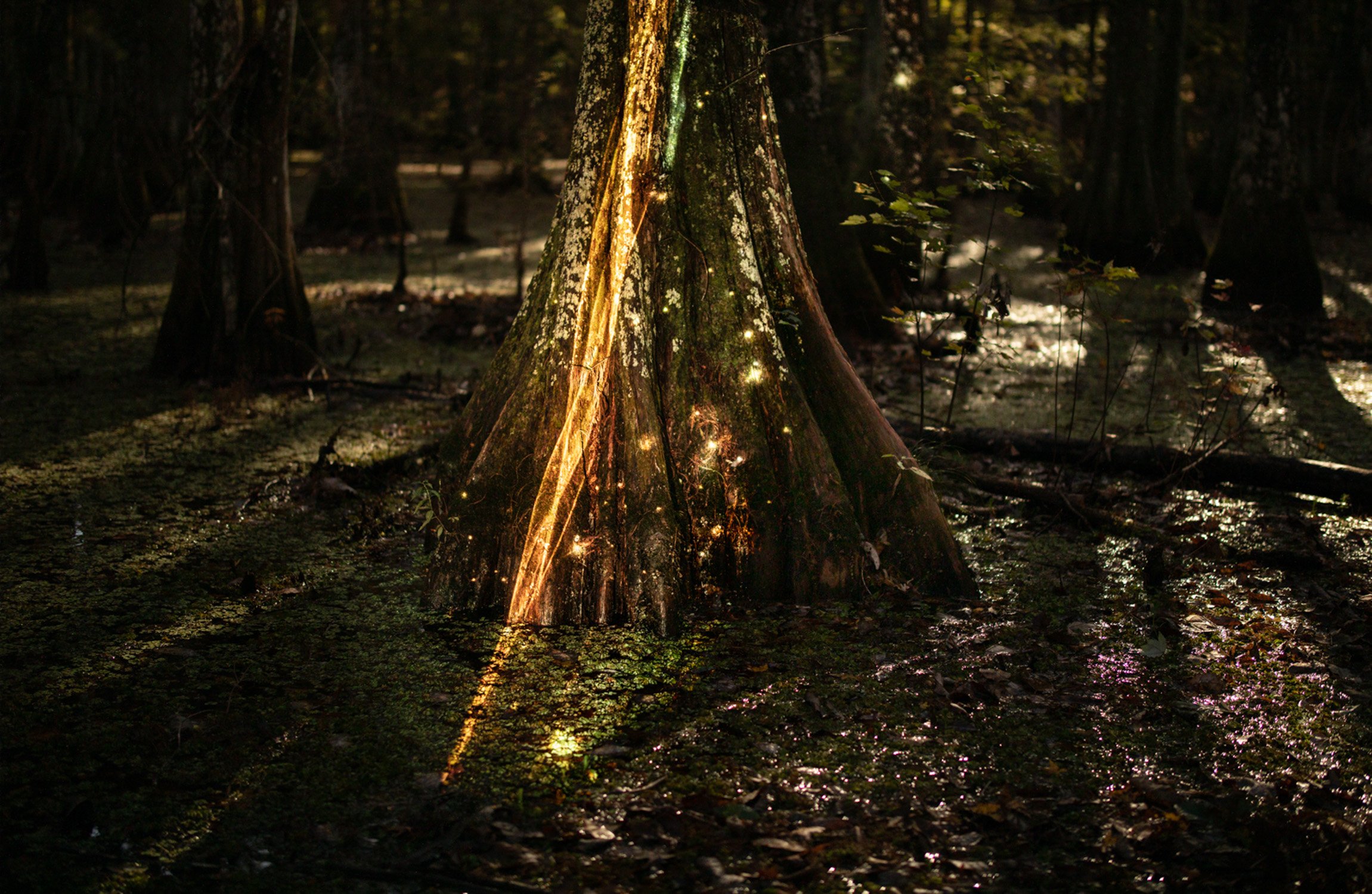
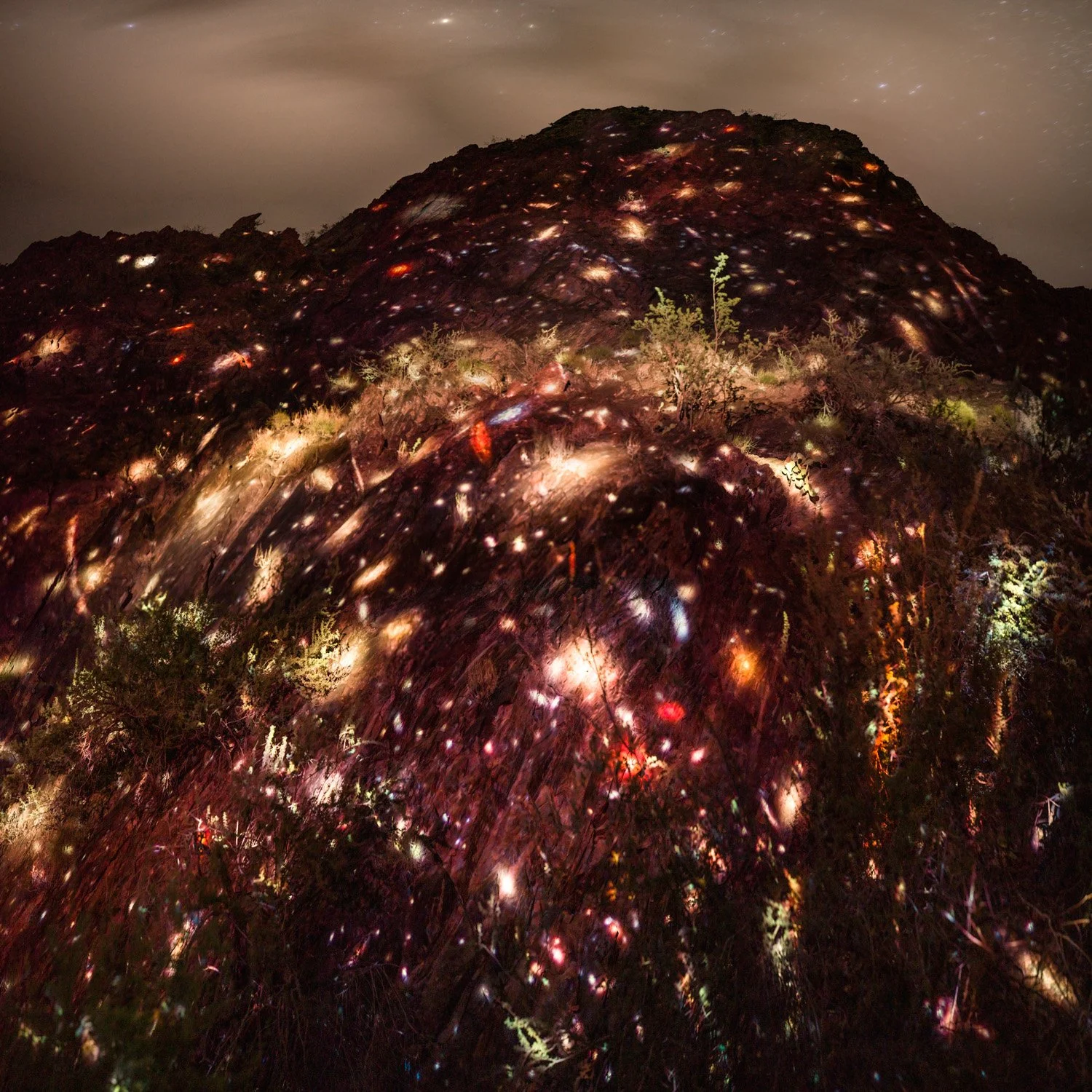
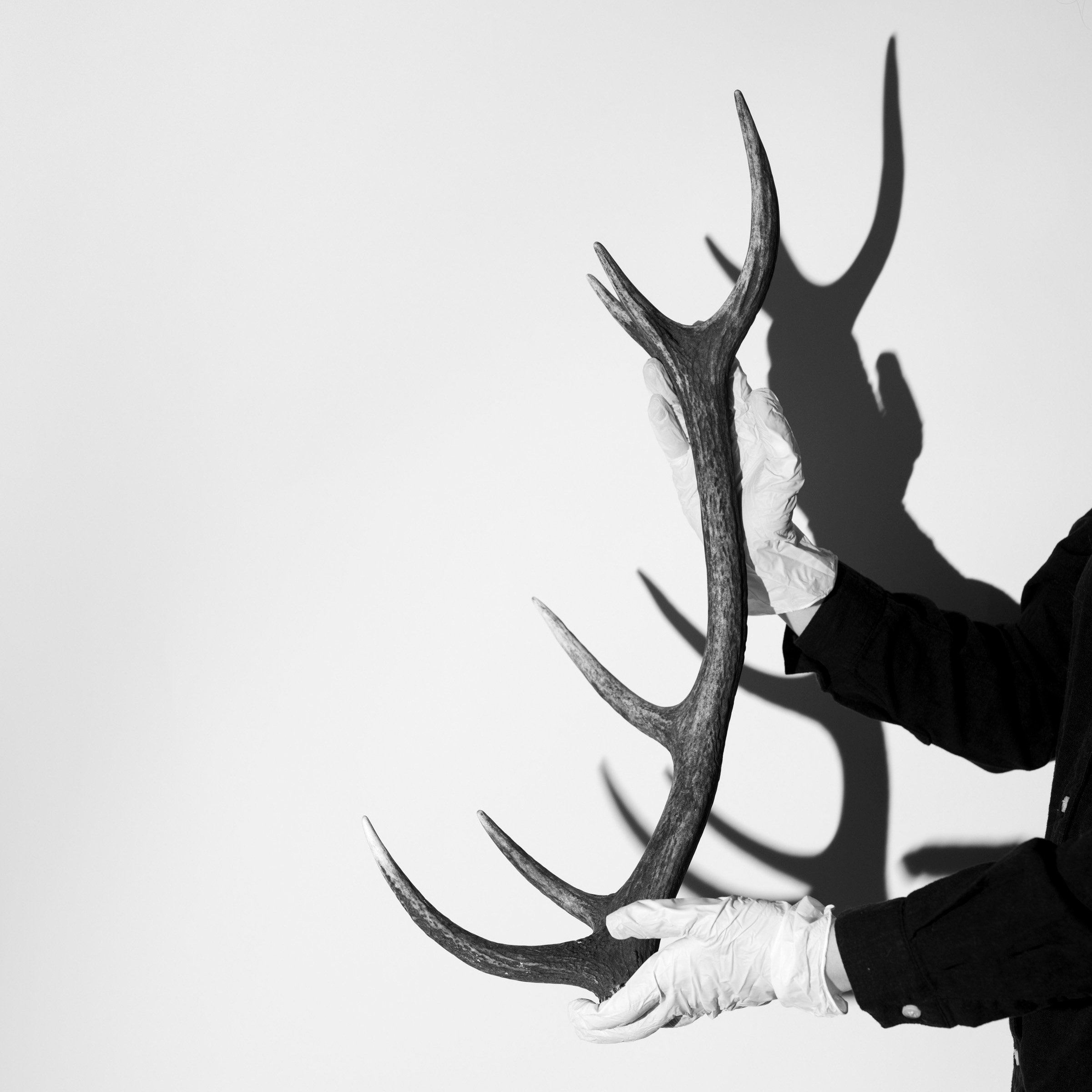
Images: Scott Nidermaier
Date: December 19, 2026
Meeting: Saturday, 10:00 AM to 5:00 PM CST
Location: Houston Center for Photography
Cost: $195 Tuition + $20 Materials (HCP members can receive a 10% discount)
Instructor: Scott Nidermaier
Skill Level: Intermediate
Tethered Workflow introduces students to the tools, techniques, and best practices used to connect a camera directly to a computer during a photo shoot. Students will learn how tethering can improve image review, collaboration, file organization, color accuracy, and overall production efficiency. Topics will include equipment setup, software configuration, naming conventions, session organization, backup strategies, troubleshooting, and working effectively with clients and creative teams on set.
Classes will combine instructor demonstrations, hands-on exercises, practical assignments, and group critiques. Students will build and test their own tethered workflow while learning how to anticipate and solve common technical problems. This course is ideal for photographers, digital technicians, assistants, and visual artists who want to create a more reliable, professional, and efficient photography process.
Objectives:
Identify the hardware, software, cables, and accessories required for a reliable tethered photography setup
Configure a camera and computer for tethered capture using industry-standard software
Create an organized workflow for file naming, folder structure, metadata, image selection, and delivery
Apply color-management practices to improve consistency from capture through final output
Build backup and redundancy procedures that protect images during a shoot
Troubleshoot common tethering problems, including connection failures, software issues, power loss, and slow transfer speeds
Evaluate images efficiently during production for focus, exposure, composition, and technical quality
Collaborate effectively with photographers, clients, assistants, art directors, and other members of a creative team
Prerequisites:
Photography I or being comfortable operating your digital camera in Manual mode. Familiarity with exposure, aperture, shutter speed, ISO, and basic image-file management is required. Students should also have general computer skills, including creating folders, transferring files, and navigating photography software.
No previous tethering experience is required. Access to a tether-capable digital camera and a laptop is strongly recommended, although specific equipment and software requirements will be discussed before the course begins. Experience with Capture One, Adobe Lightroom Classic, or similar software is helpful but not required.
Course Prep:
Students should bring a camera that can be tethered, a laptop computer and a tether cable (advice on purchasing a tether cable can be offered by the instructor upon request).
Date: December 19, 2026
Meeting: Saturday, 10:00 AM to 5:00 PM CST
Location: Houston Center for Photography
Cost: $195 Tuition + $20 Materials (HCP members can receive a 10% discount)
Instructor: Scott Nidermaier
Skill Level: Intermediate
Tethered Workflow introduces students to the tools, techniques, and best practices used to connect a camera directly to a computer during a photo shoot. Students will learn how tethering can improve image review, collaboration, file organization, color accuracy, and overall production efficiency. Topics will include equipment setup, software configuration, naming conventions, session organization, backup strategies, troubleshooting, and working effectively with clients and creative teams on set.
Classes will combine instructor demonstrations, hands-on exercises, practical assignments, and group critiques. Students will build and test their own tethered workflow while learning how to anticipate and solve common technical problems. This course is ideal for photographers, digital technicians, assistants, and visual artists who want to create a more reliable, professional, and efficient photography process.
Objectives:
Identify the hardware, software, cables, and accessories required for a reliable tethered photography setup
Configure a camera and computer for tethered capture using industry-standard software
Create an organized workflow for file naming, folder structure, metadata, image selection, and delivery
Apply color-management practices to improve consistency from capture through final output
Build backup and redundancy procedures that protect images during a shoot
Troubleshoot common tethering problems, including connection failures, software issues, power loss, and slow transfer speeds
Evaluate images efficiently during production for focus, exposure, composition, and technical quality
Collaborate effectively with photographers, clients, assistants, art directors, and other members of a creative team
Prerequisites:
Photography I or being comfortable operating your digital camera in Manual mode. Familiarity with exposure, aperture, shutter speed, ISO, and basic image-file management is required. Students should also have general computer skills, including creating folders, transferring files, and navigating photography software.
No previous tethering experience is required. Access to a tether-capable digital camera and a laptop is strongly recommended, although specific equipment and software requirements will be discussed before the course begins. Experience with Capture One, Adobe Lightroom Classic, or similar software is helpful but not required.
Course Prep:
Students should bring a camera that can be tethered, a laptop computer and a tether cable (advice on purchasing a tether cable can be offered by the instructor upon request).
Images: Scott Nidermaier