Photoshop II (Apr 16-May 14)

$490.00

Dates: April 16 - May 14, 2026

Meetings: Thursday, 3:00 PM to 6:00 PM CST (5 sessions)

Location: Houston Center for Photography

Cost: $490 (HCP members can receive a 10% discount)

Instructor: Mark Chen

Skill Level: Intermediate

Special Benefit: 8-hour Digital Lab credit (worth $80)

This course is designed for Photoshop users who wish to deepen their knowledge and get the most out of the many features offered by this powerful Adobe software. Students will learn and practice advanced selection and masking techniques enabling the creation of collages and composites. Advanced retouching, color conversions, and filters will be demonstrated and practiced focusing on leading genres including landscape and portraiture. Students will understand important digital workflows related to their photographic practice and will enhance their image processing and output capabilities.

Objectives:

  • Utilize a variety of techniques for creating and adjusting accurate selections and masks

  • Be able to blend different images into seamless composites (photo montages and collages)

  • Master the use of adjustment layers and blending modes

  • Convert color images to B&W professionally

  • Improve your retouching skills with an emphasis on portraits (skin and faces)

    Apply a recommended workflow for producing high-quality prints of your images

Prerequisites: 

Photoshop I or Fine Art Printing or experience using Adobe Photoshop.

Course Prep: 

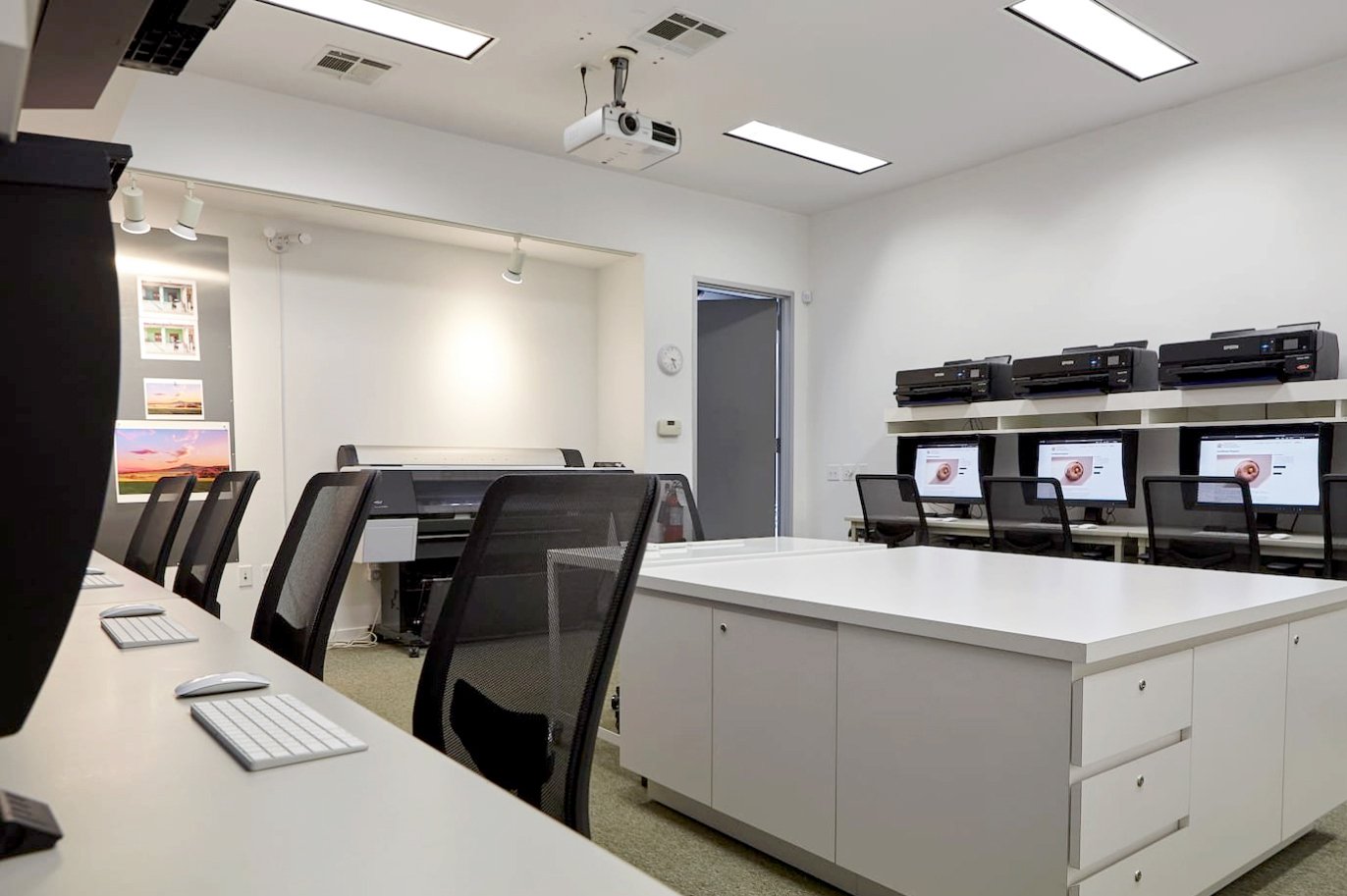
Please bring with you to class a selection of your image files on a flash drive or hard disk. Students have free access to Adobe Photoshop at HCP’s Digital Lab. An Adobe Photoshop subscription is highly recommended to use the software at home.

Dates: April 16 - May 14, 2026

Meetings: Thursday, 3:00 PM to 6:00 PM CST (5 sessions)

Location: Houston Center for Photography

Cost: $490 (HCP members can receive a 10% discount)

Instructor: Mark Chen

Skill Level: Intermediate

Special Benefit: 8-hour Digital Lab credit (worth $80)

This course is designed for Photoshop users who wish to deepen their knowledge and get the most out of the many features offered by this powerful Adobe software. Students will learn and practice advanced selection and masking techniques enabling the creation of collages and composites. Advanced retouching, color conversions, and filters will be demonstrated and practiced focusing on leading genres including landscape and portraiture. Students will understand important digital workflows related to their photographic practice and will enhance their image processing and output capabilities.

Objectives:

  • Utilize a variety of techniques for creating and adjusting accurate selections and masks

  • Be able to blend different images into seamless composites (photo montages and collages)

  • Master the use of adjustment layers and blending modes

  • Convert color images to B&W professionally

  • Improve your retouching skills with an emphasis on portraits (skin and faces)

    Apply a recommended workflow for producing high-quality prints of your images

Prerequisites: 

Photoshop I or Fine Art Printing or experience using Adobe Photoshop.

Course Prep: 

Please bring with you to class a selection of your image files on a flash drive or hard disk. Students have free access to Adobe Photoshop at HCP’s Digital Lab. An Adobe Photoshop subscription is highly recommended to use the software at home.

Images:
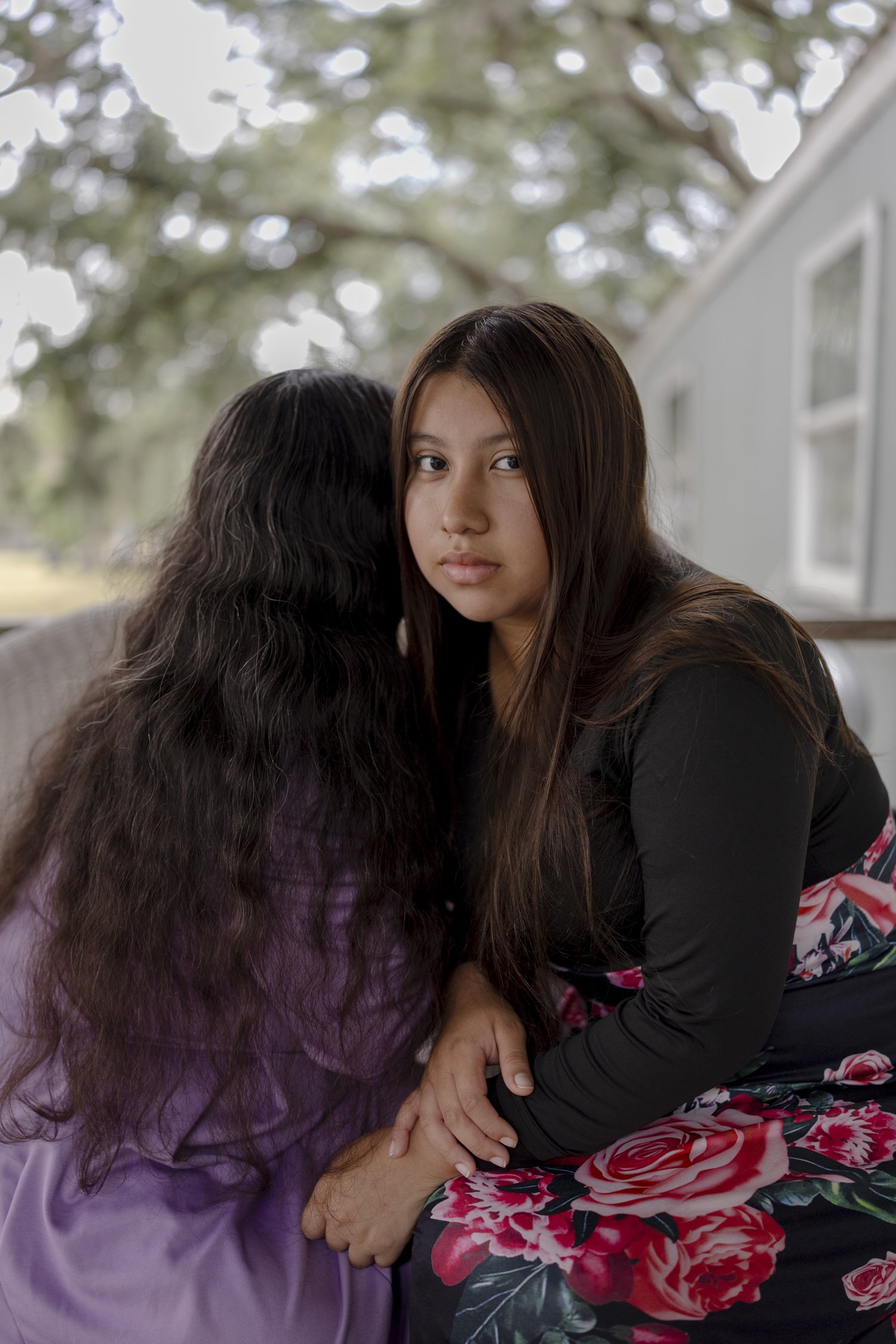
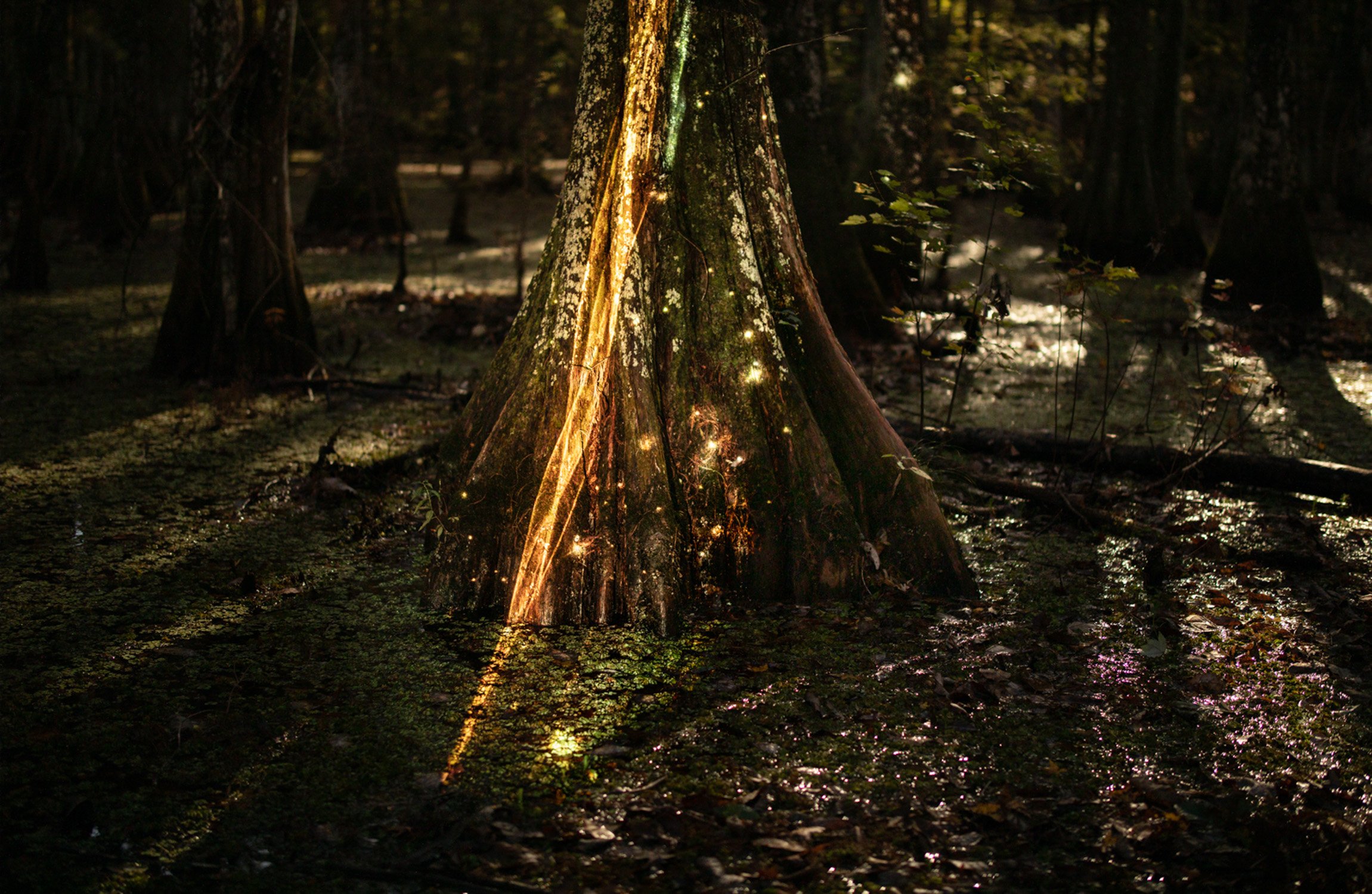
Mark Chen, Cygnus in the Swamp
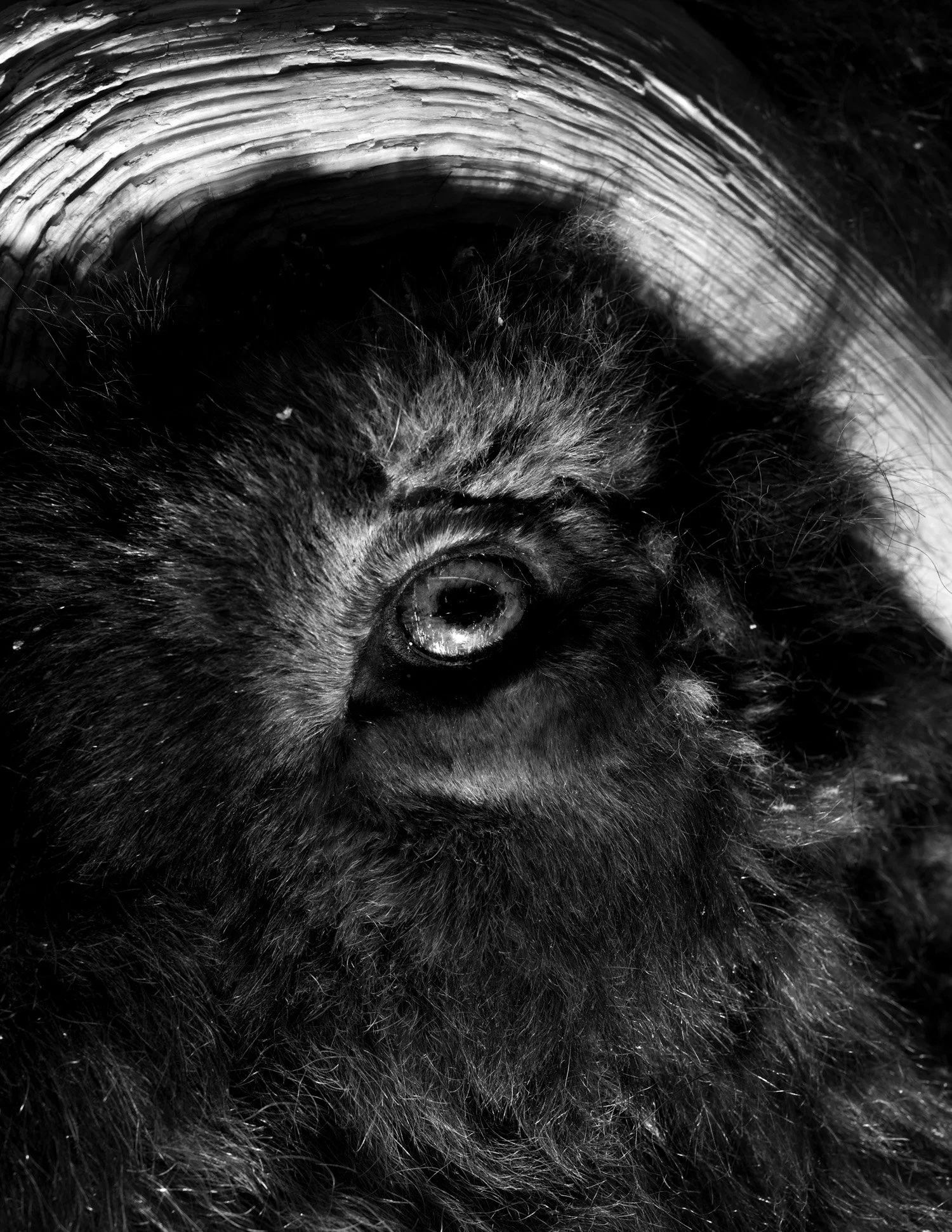
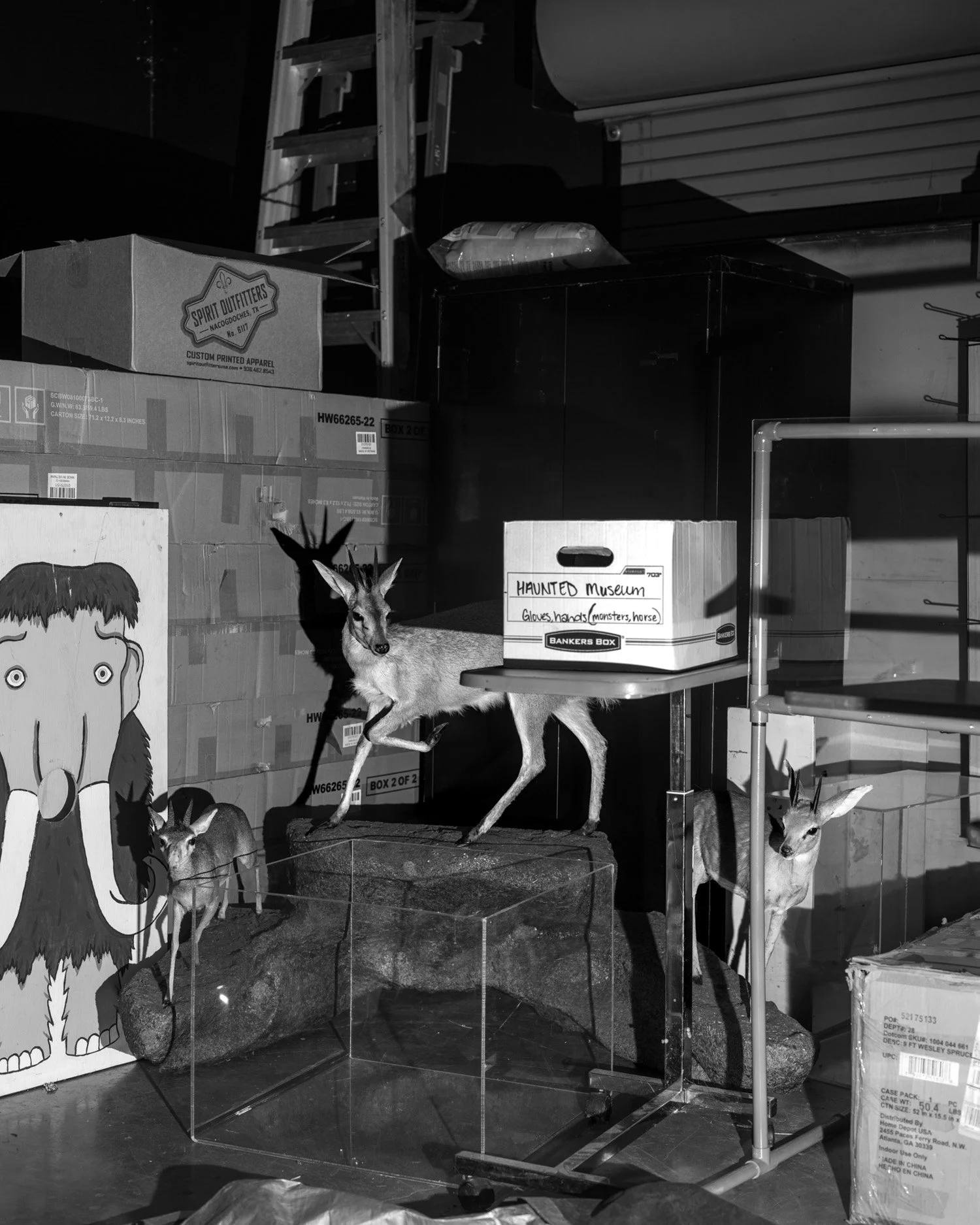
Austin Cullen, Black Bear (2022), for the series “A Natural History (Built to be Seen)”
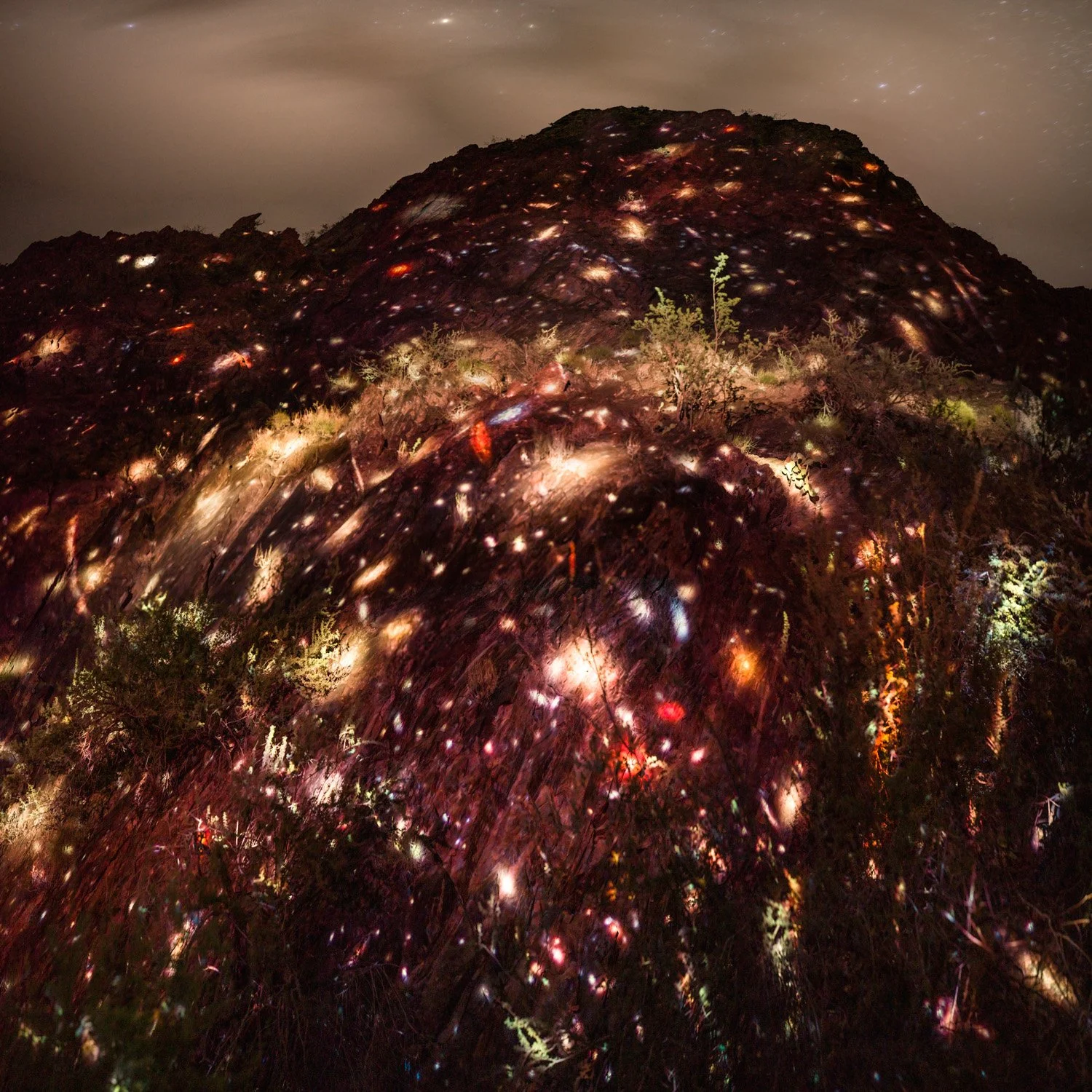
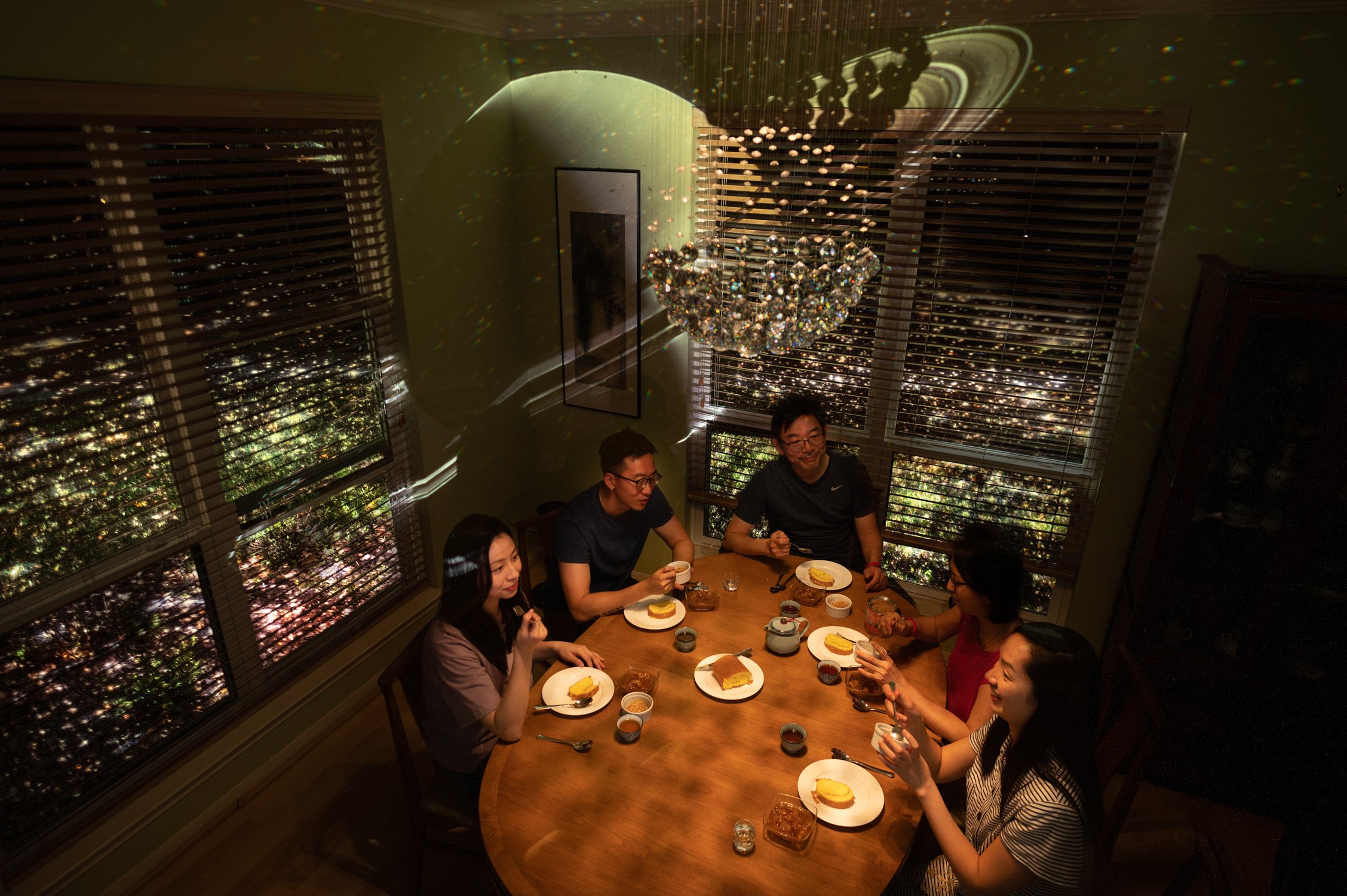
Mark Chen, MACS 0416 on Vishnu Schist, Grand Canyon, from the series Pilgrimage of Light