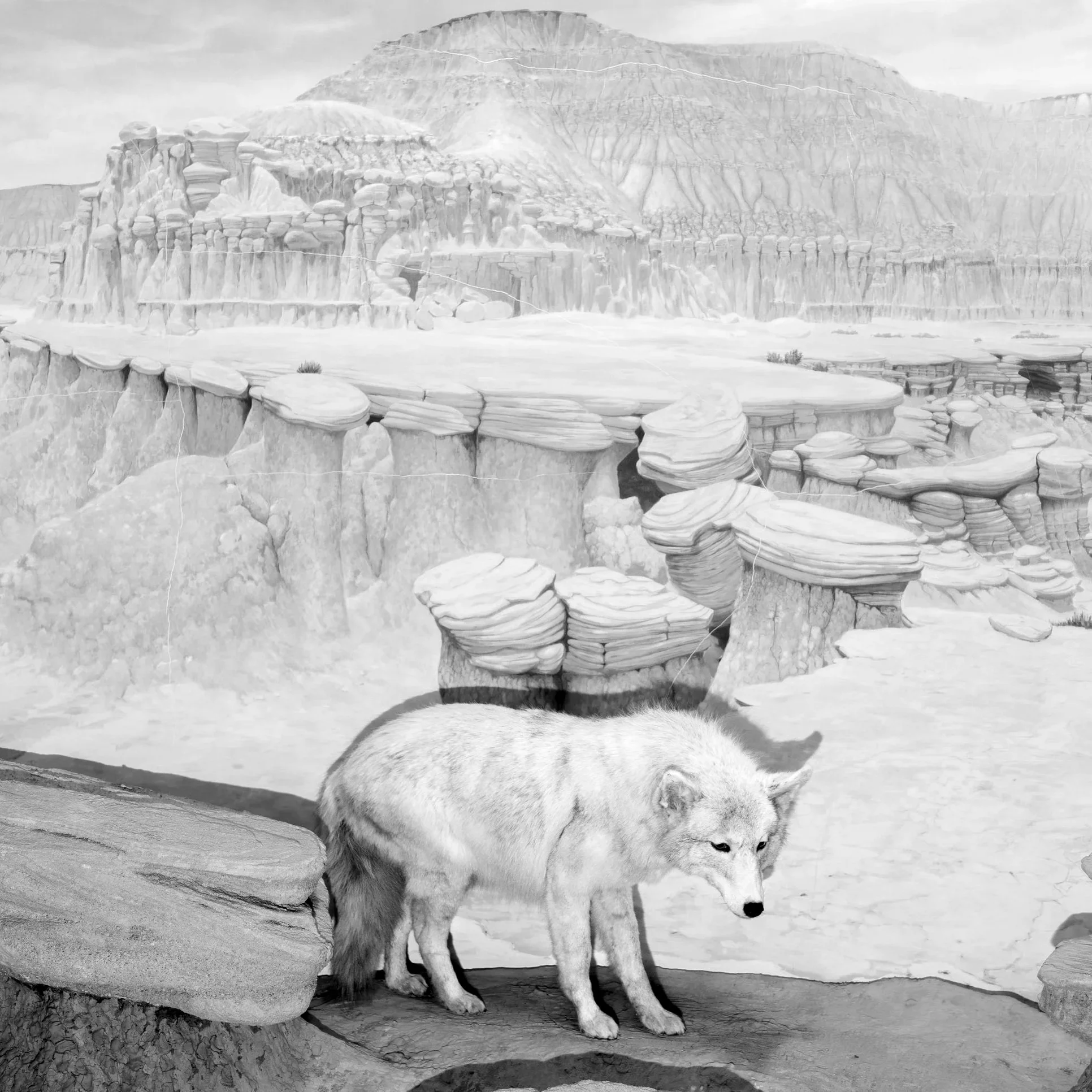
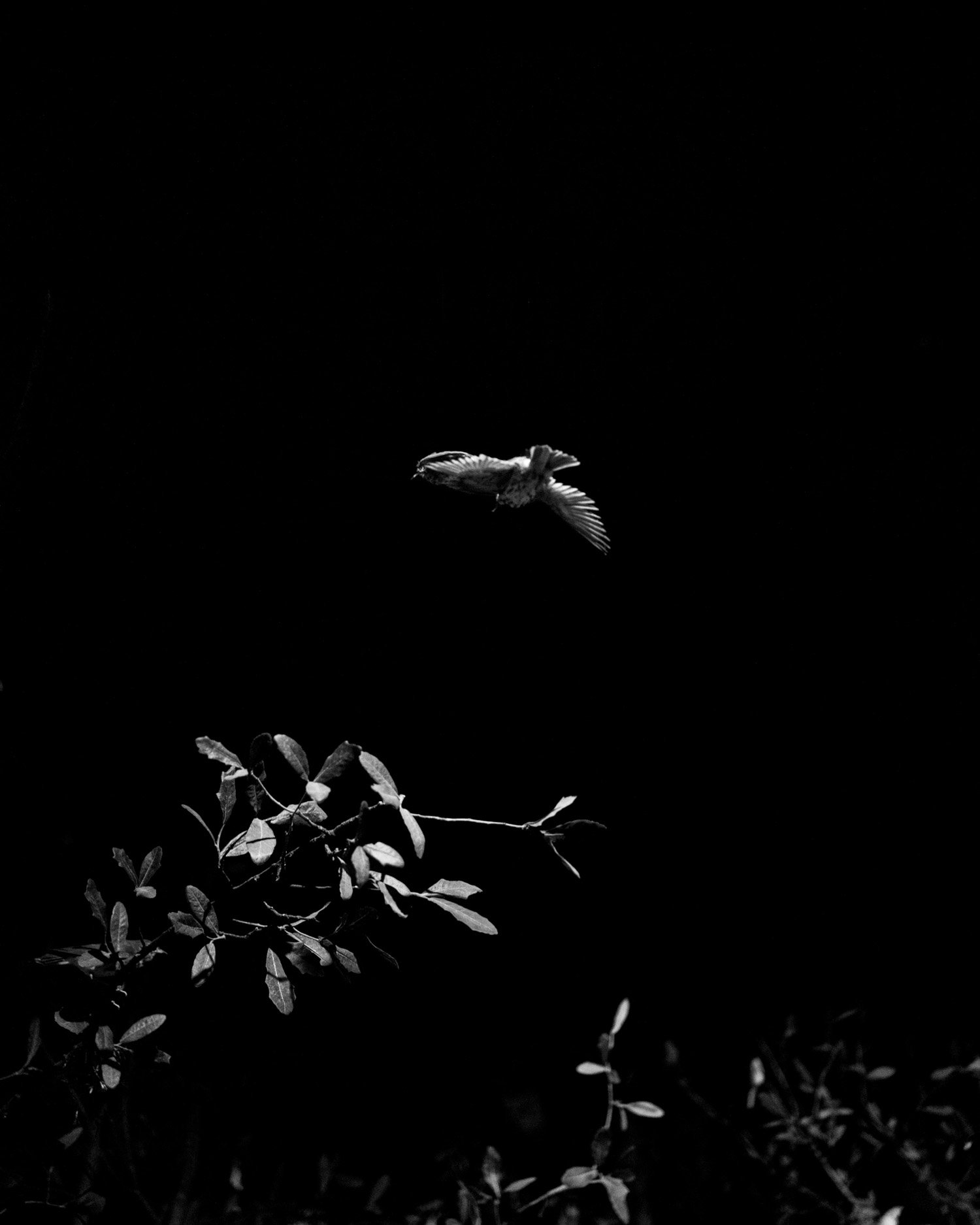
 Image 1 of 3
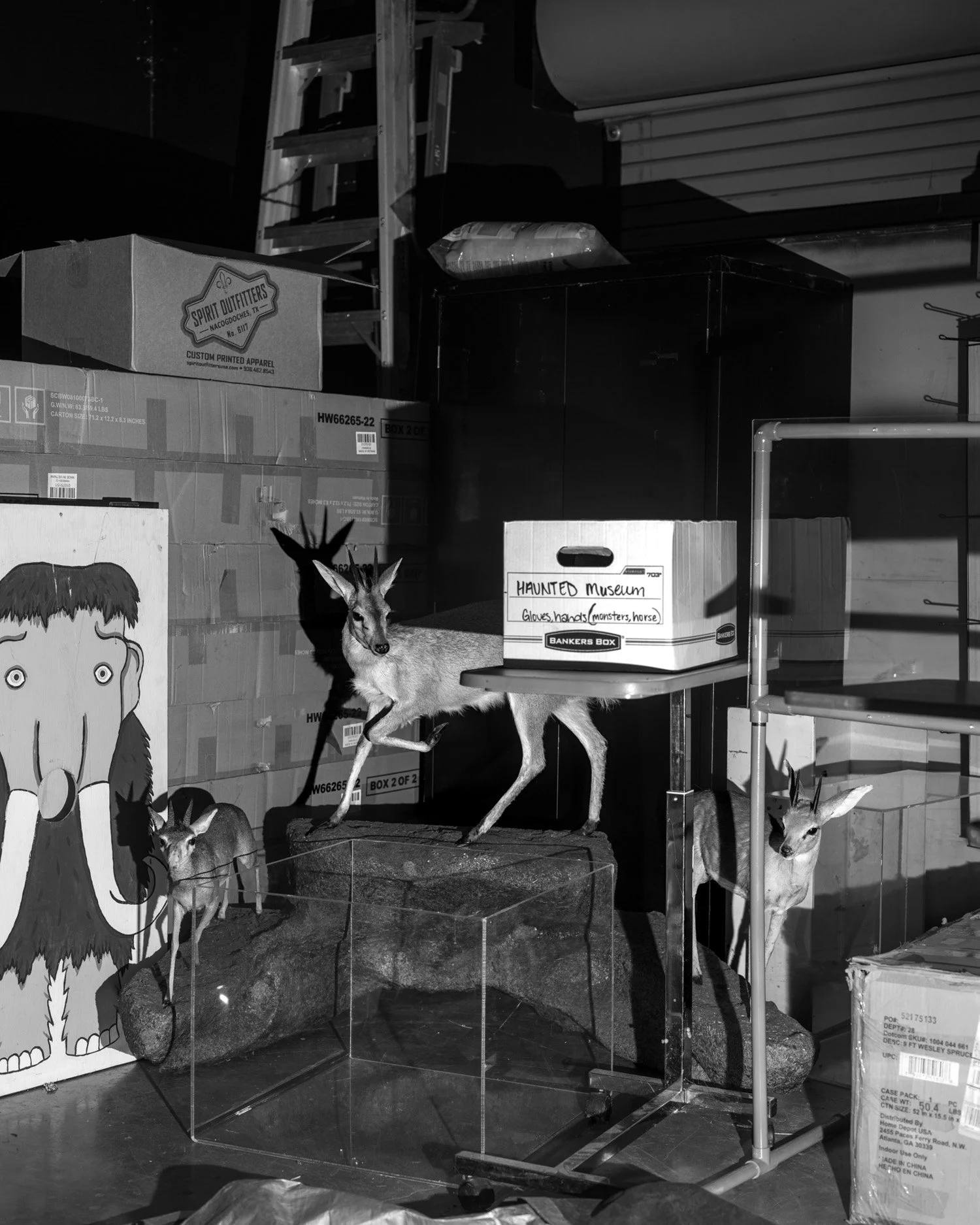 Image 2 of 3
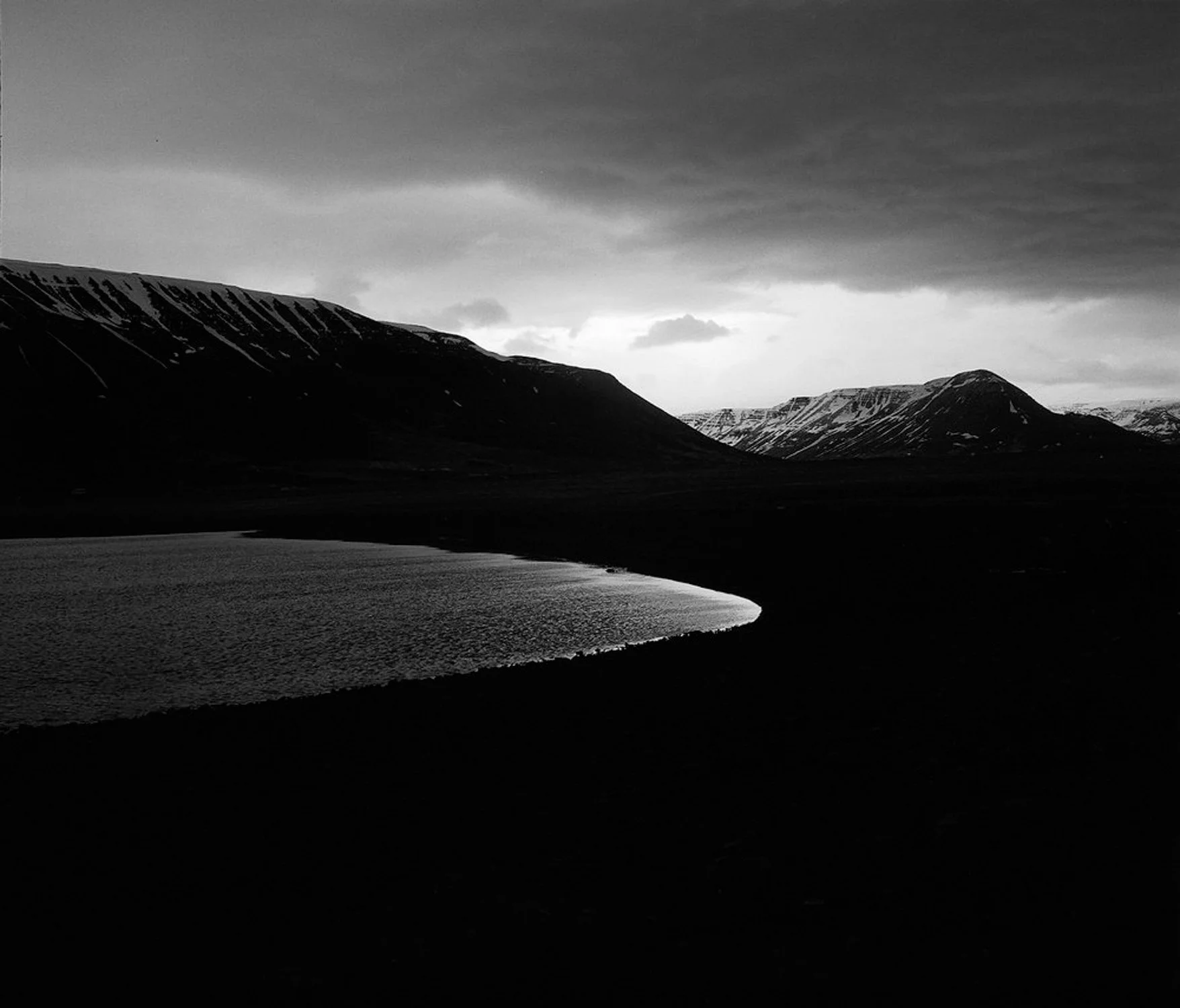 Image 3 of 3
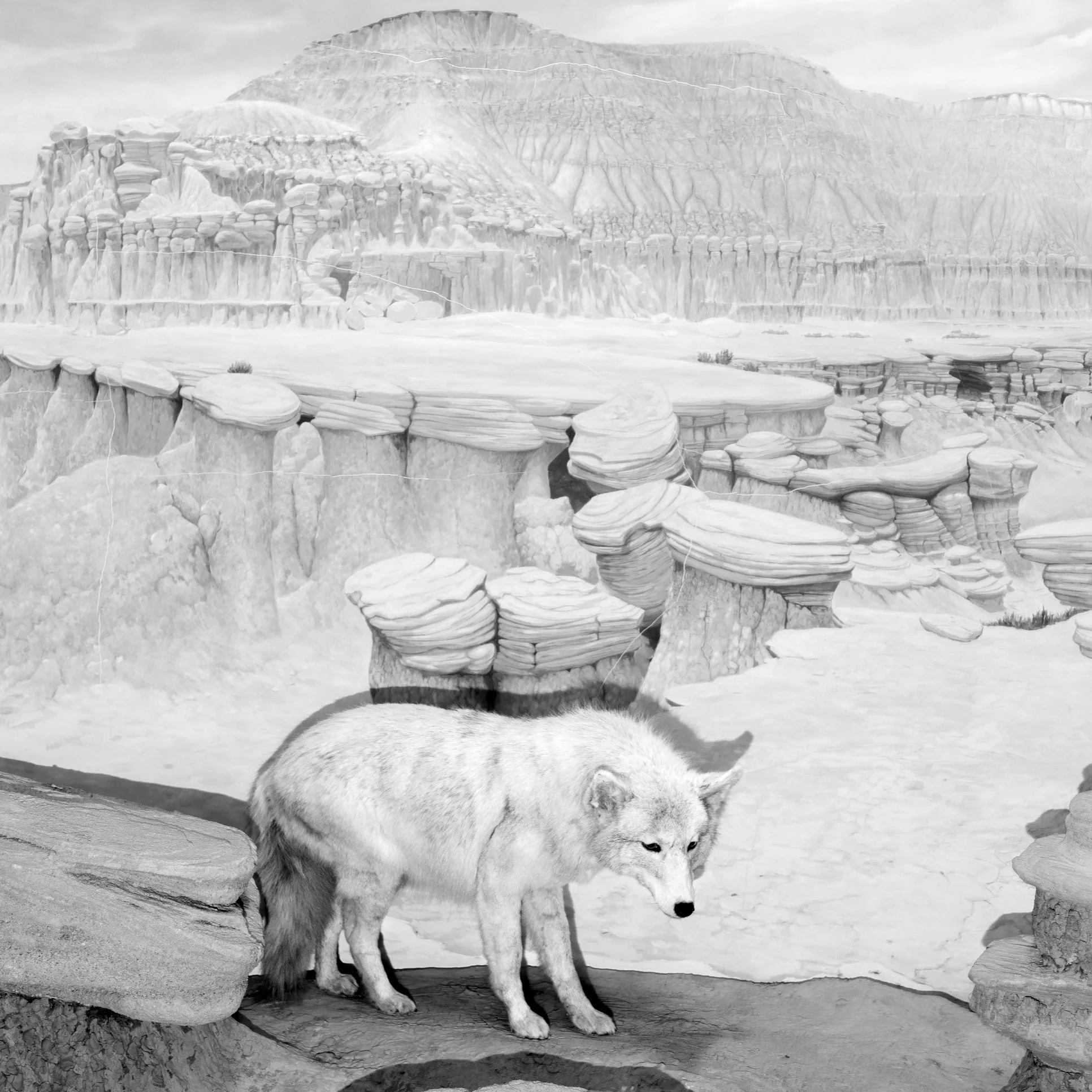
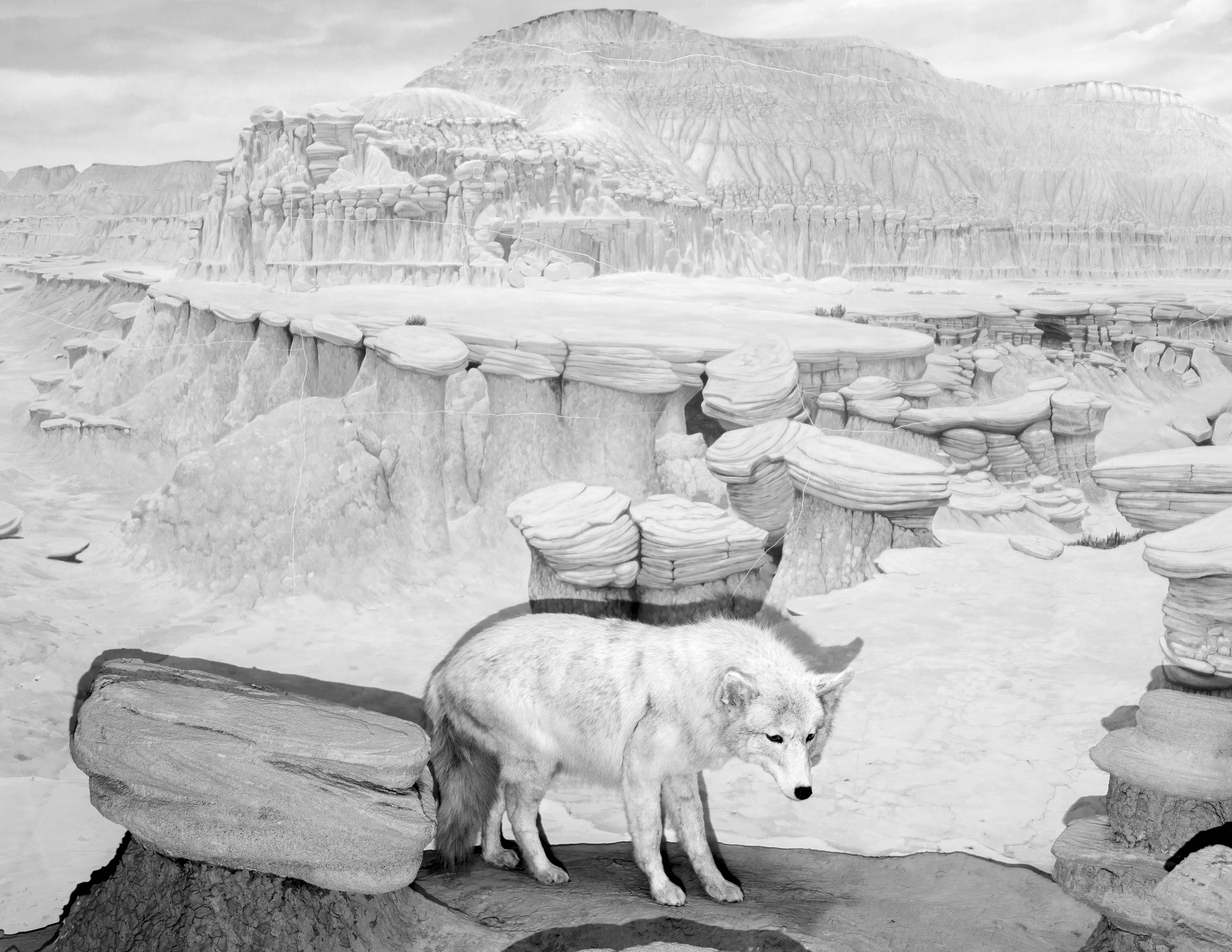
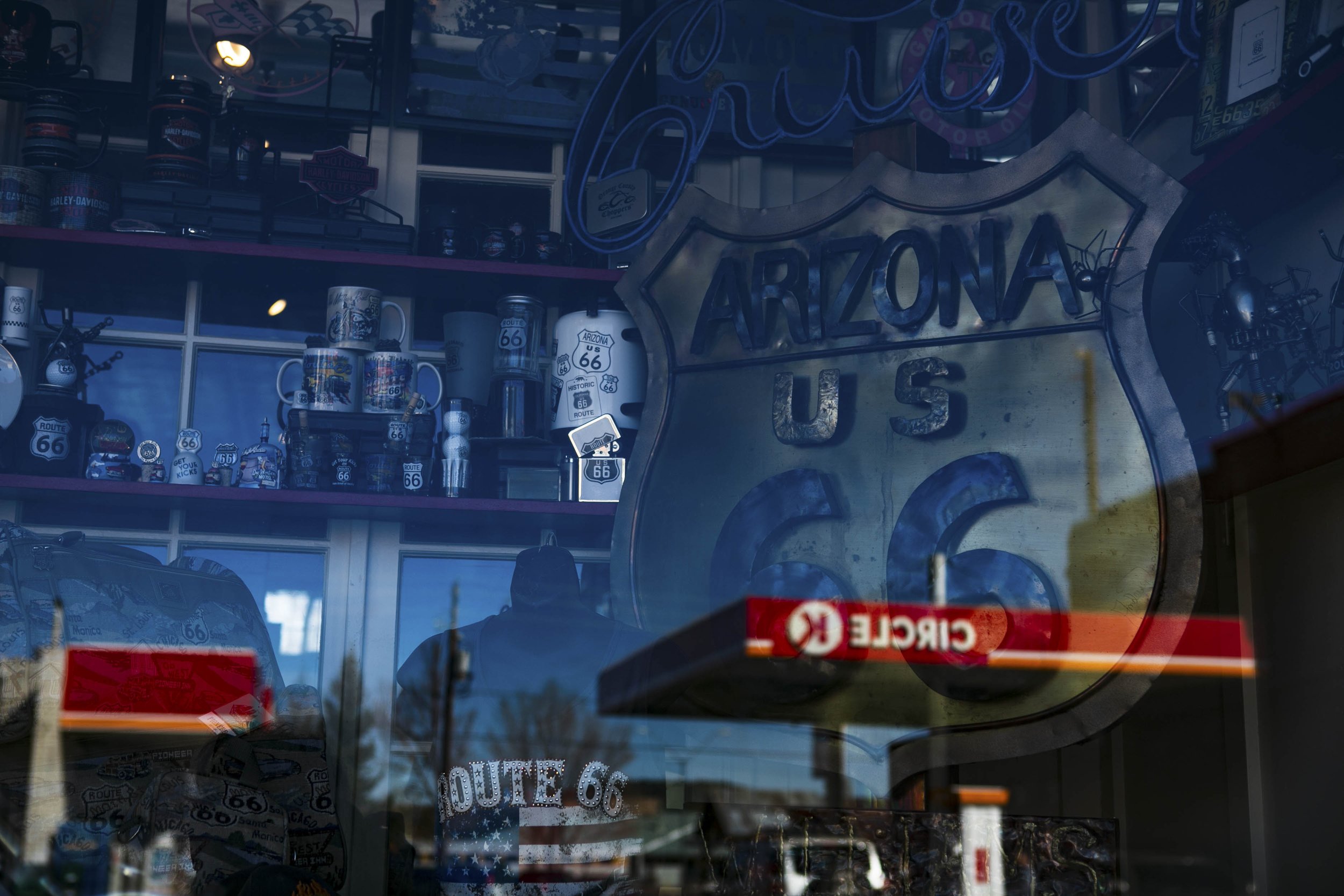
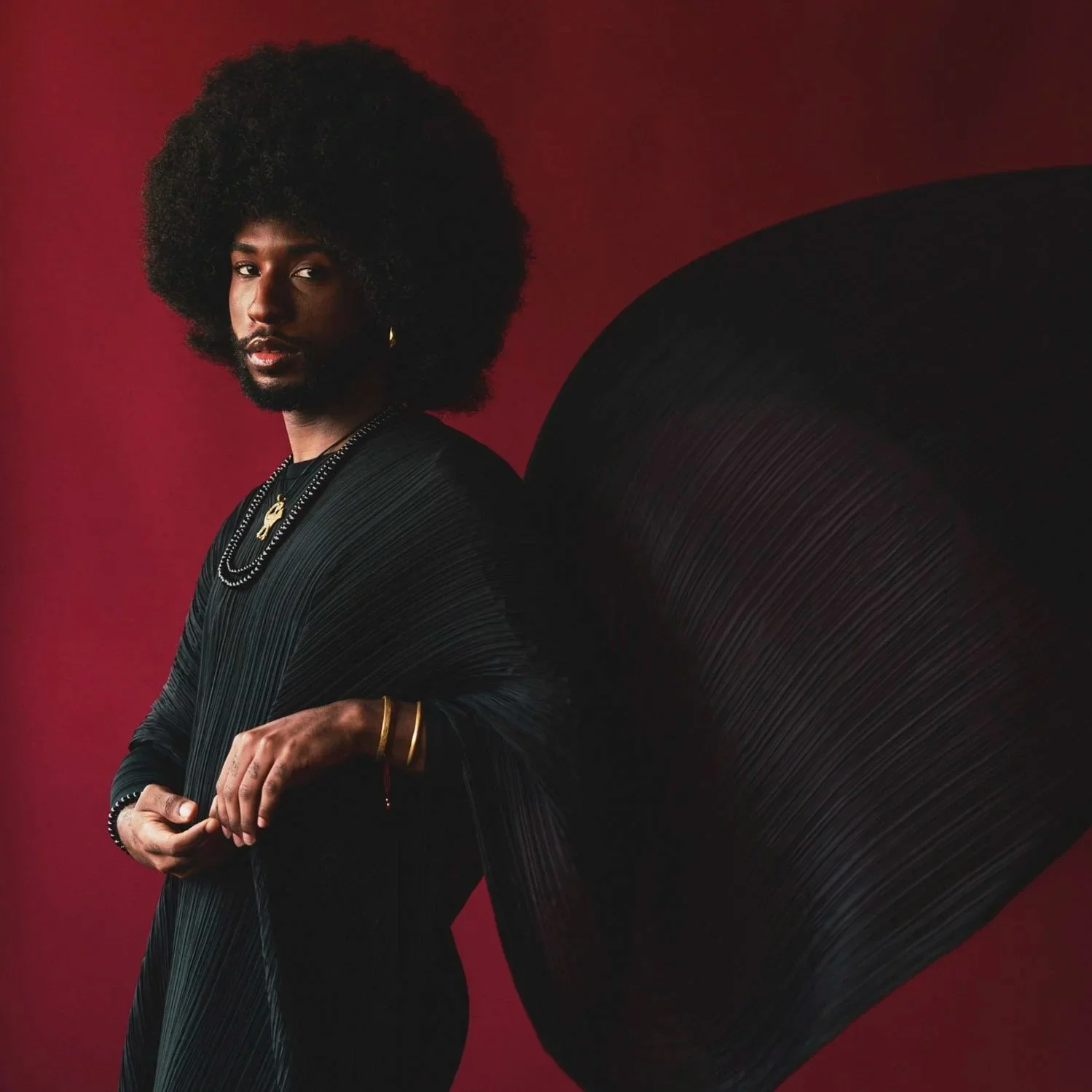
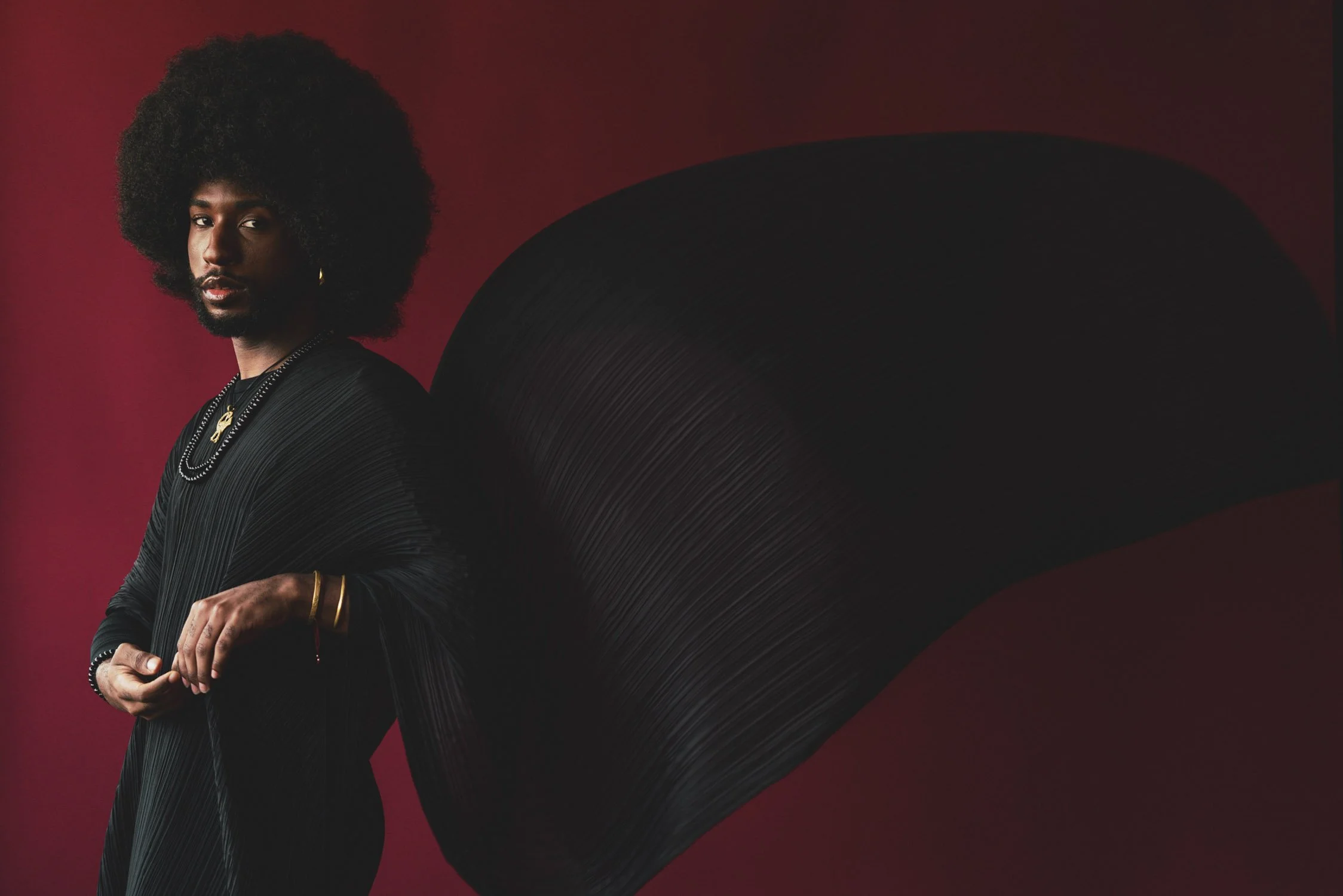
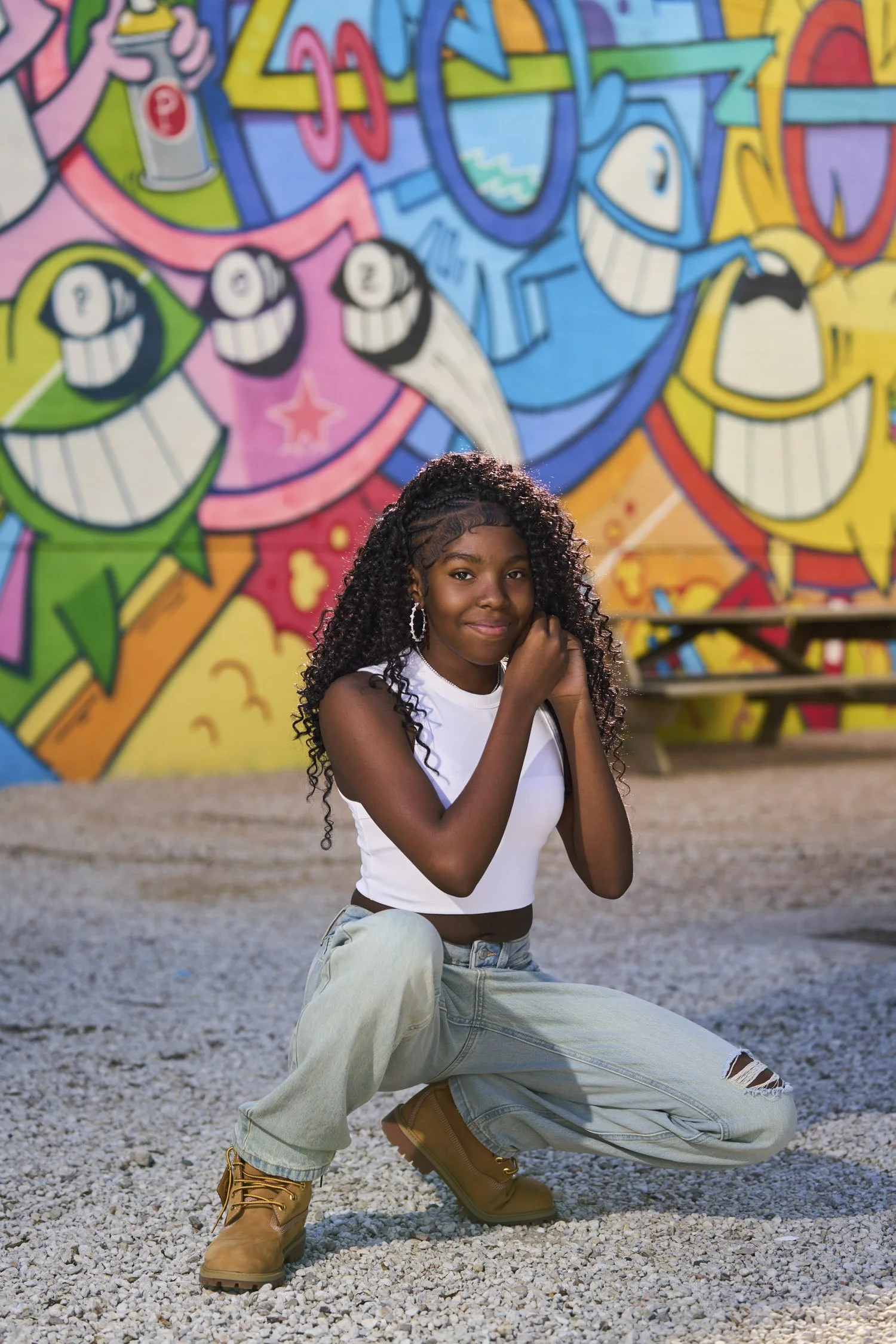
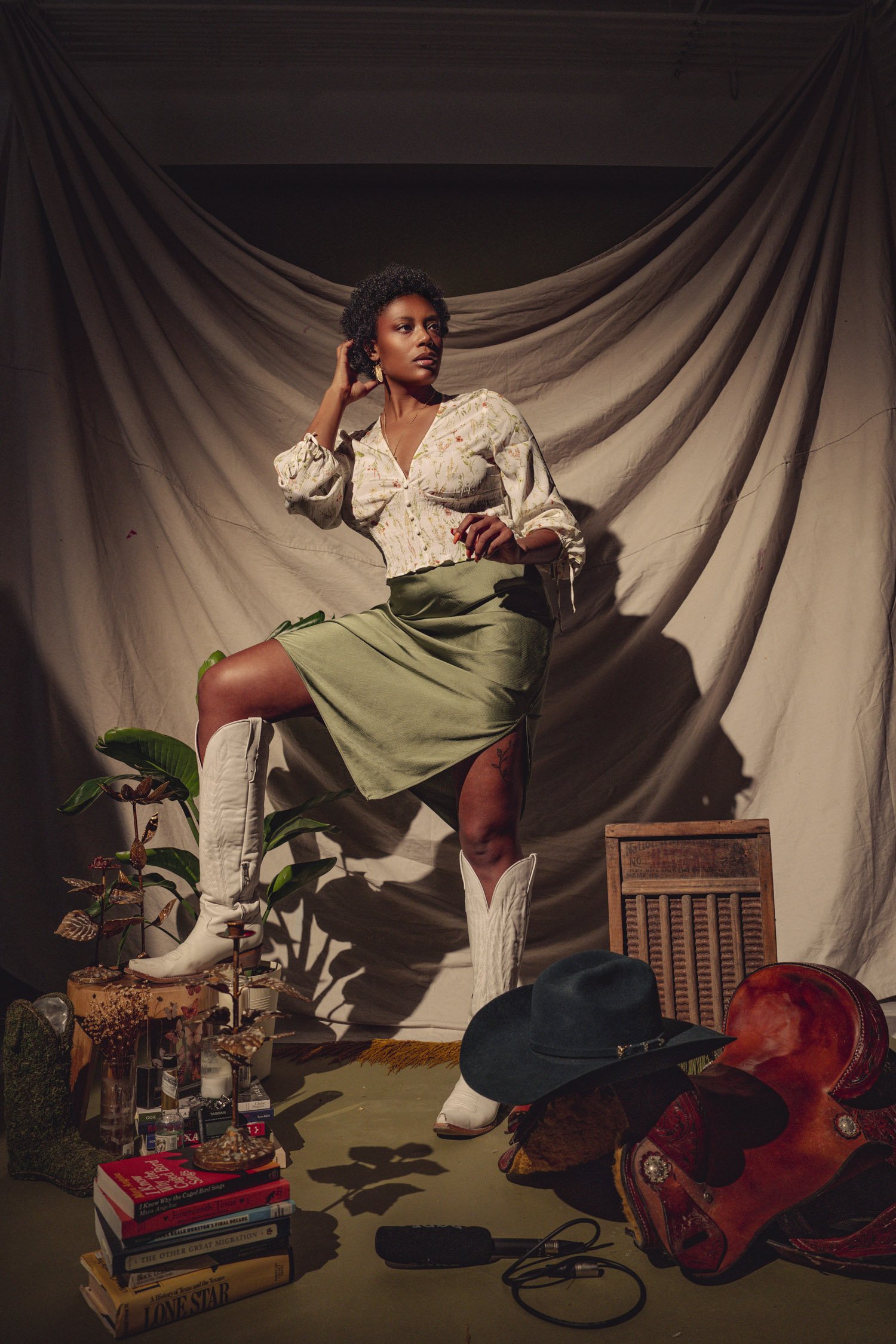
Images: Austin Cullen
Dates: July 20 - 24, 2026
Meetings: Monday - Friday, 1:30 PM to 4:30 PM CST (5 sessions)
Location: Houston Center for Photography
Cost: $295 (HCP members can receive a 10% discount)
Instructor: Austin Cullen
Skill Level: Open to All Levels
Special Benefit: 8-hour Digital Lab credit (worth $80)
This course introduces students to Adobe Photoshop, the powerful imaging software used to create and process images for printing, publication, and presentation. Students will learn to navigate the user interface, work with various tools, and use layers and smart objects effectively. Practice making selections, retouching, color correcting, masking, compositing, preparing files for the web, printing and more. Lectures include extensive demonstrations followed by hands-on practice in class and home assignments verifying the correct application of reviewed material.
Objectives:
Understand the basics of digital image processing and file formats
Practice using Adobe Photoshop’s various tools and features
Make selections and apply masks while using the Brush tool effectively
Understand how to use Camera RAW, adjustment layers, vector layers, and smart objects
Learn how to retouch pictures using a suite of tools and techniques
Automate your work using Actions with Batch processing
Optimize your working environment by defining workspaces in Photoshop
Learn how to export and create high quality prints out of Adobe Photoshop
Prerequisites:
None.
Course Prep:
Please bring a selection of your image files on a flash drive or hard disk to class.
Dates: July 20 - 24, 2026
Meetings: Monday - Friday, 1:30 PM to 4:30 PM CST (5 sessions)
Location: Houston Center for Photography
Cost: $295 (HCP members can receive a 10% discount)
Instructor: Austin Cullen
Skill Level: Open to All Levels
Special Benefit: 8-hour Digital Lab credit (worth $80)
This course introduces students to Adobe Photoshop, the powerful imaging software used to create and process images for printing, publication, and presentation. Students will learn to navigate the user interface, work with various tools, and use layers and smart objects effectively. Practice making selections, retouching, color correcting, masking, compositing, preparing files for the web, printing and more. Lectures include extensive demonstrations followed by hands-on practice in class and home assignments verifying the correct application of reviewed material.
Objectives:
Understand the basics of digital image processing and file formats
Practice using Adobe Photoshop’s various tools and features
Make selections and apply masks while using the Brush tool effectively
Understand how to use Camera RAW, adjustment layers, vector layers, and smart objects
Learn how to retouch pictures using a suite of tools and techniques
Automate your work using Actions with Batch processing
Optimize your working environment by defining workspaces in Photoshop
Learn how to export and create high quality prints out of Adobe Photoshop
Prerequisites:
None.
Course Prep:
Please bring a selection of your image files on a flash drive or hard disk to class.
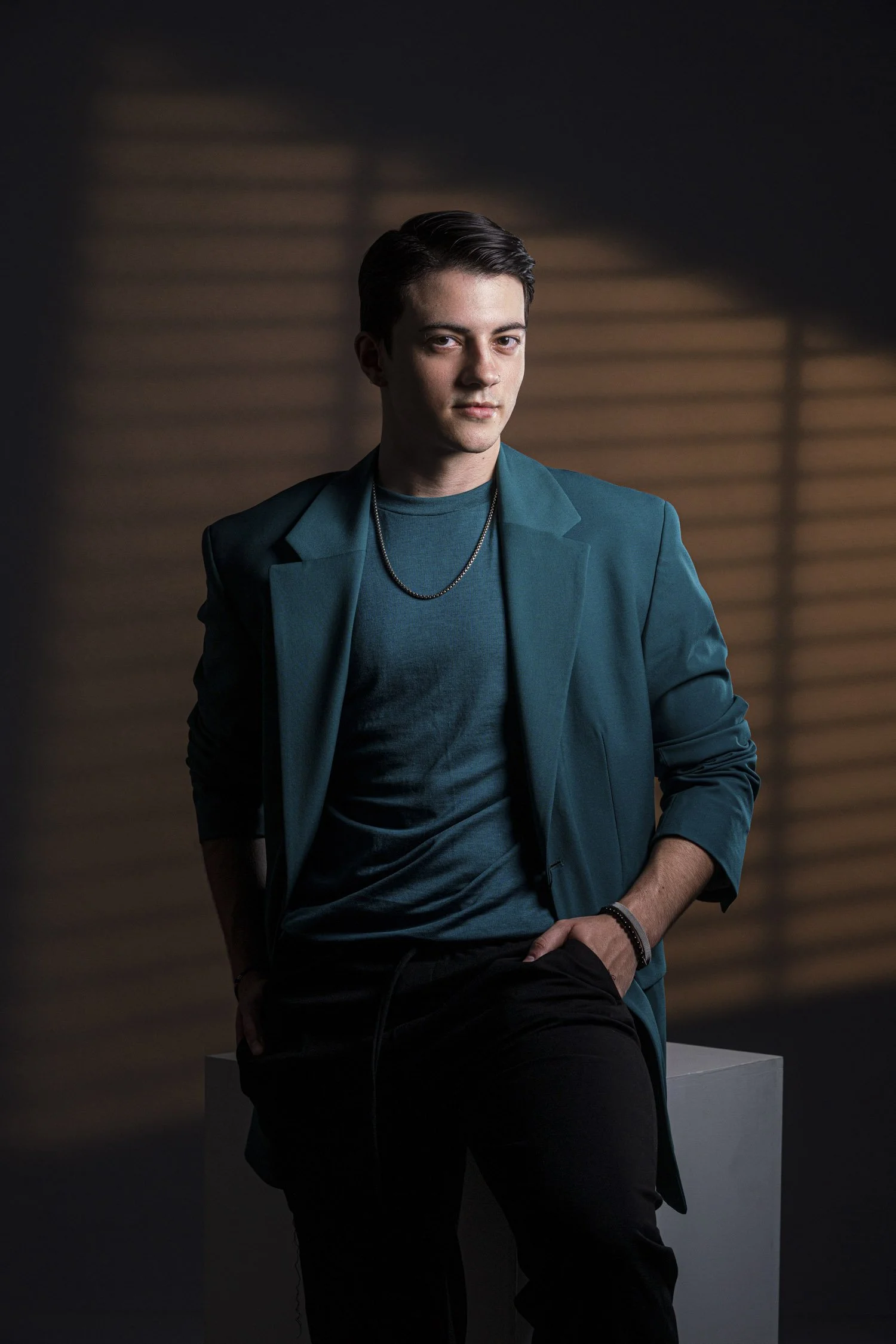
Images: Austin Cullen